 Garden Planner
Turn your yard photo into a personalized garden design with AI. Explore styles, add your ideas, and compare the result before you redesign.
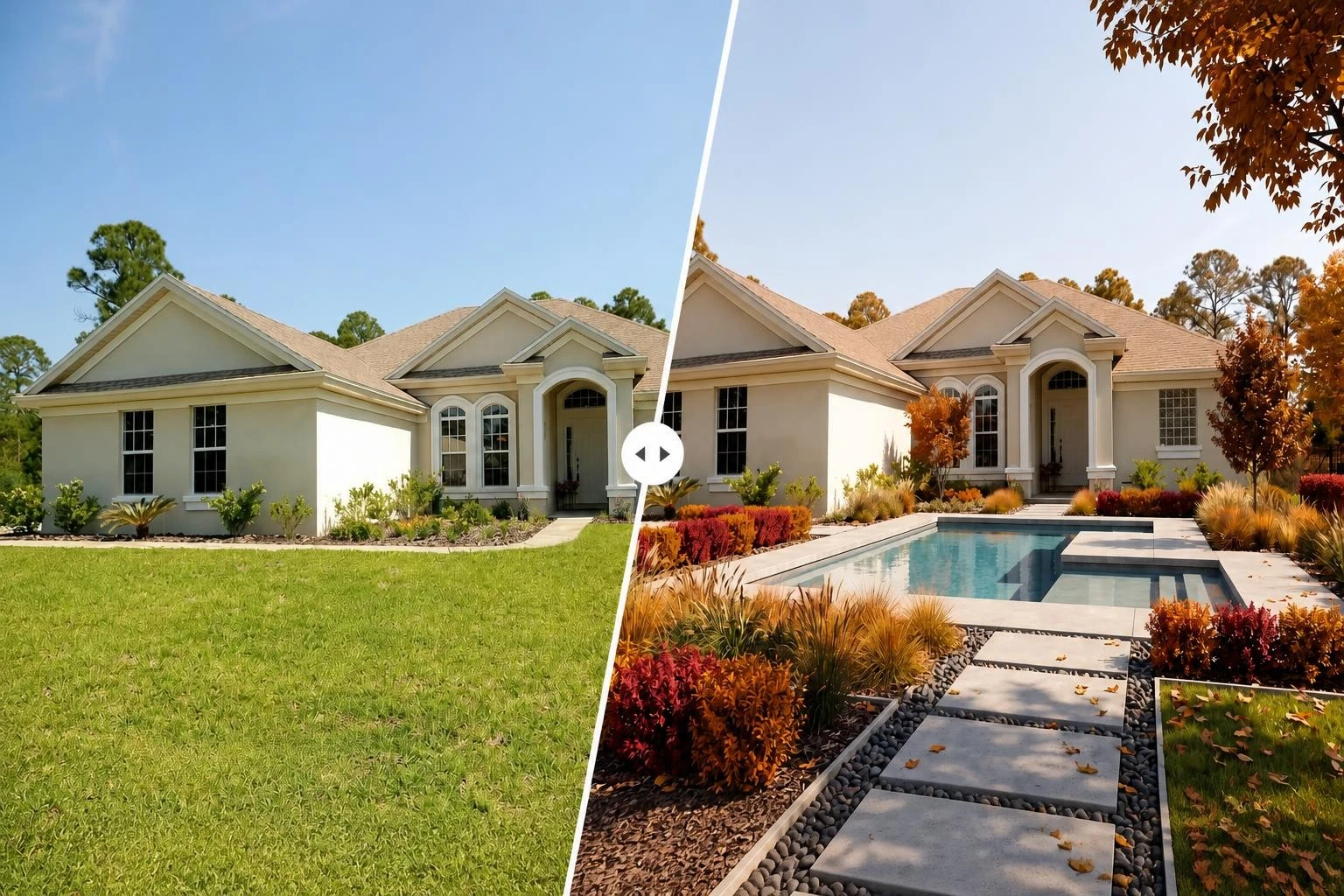
Start with a yard photo, set the basic direction, then use a short prompt when the design needs a more personal detail.
Choose a photo of the outdoor space you want to redesign. A wider daylight shot usually works best because it shows the lawn, fence, patio, path, or planting beds that shape the space.
Select the outdoor space type, pick a visual style, and add a short prompt for details such as keeping an old tree, adding a curved stone path, or making the seating area feel more private.
Generate the design preview and compare it with the original photo. Save the result when it gives you a useful direction, or adjust the style and prompt for another version.
Garden projects are easier to judge when the first concept is placed on the actual yard. The goal is not to replace a professional plan. It is to make the early decision clearer.
A photo-based garden planner keeps the existing lawn, fence lines, paths, patio edges, and house shape in view, so you can judge each idea against the space that will actually change.
Test modern, cottage, Japanese, Mediterranean, tropical, coastal, desert, or minimalist directions on the same photo before choosing plants, furniture, or hardscape details.
A before-and-after preview gives family members, contractors, and landscapers one image to discuss, keeping the conversation closer to the real project.
Inspiration boards are useful, but they can drift away from your actual yard. This AI garden planner brings the idea back to your photo, your space, and your constraints.
Each control helps answer a practical question: what kind of space is this, what style fits it, what should stay, and what should change?
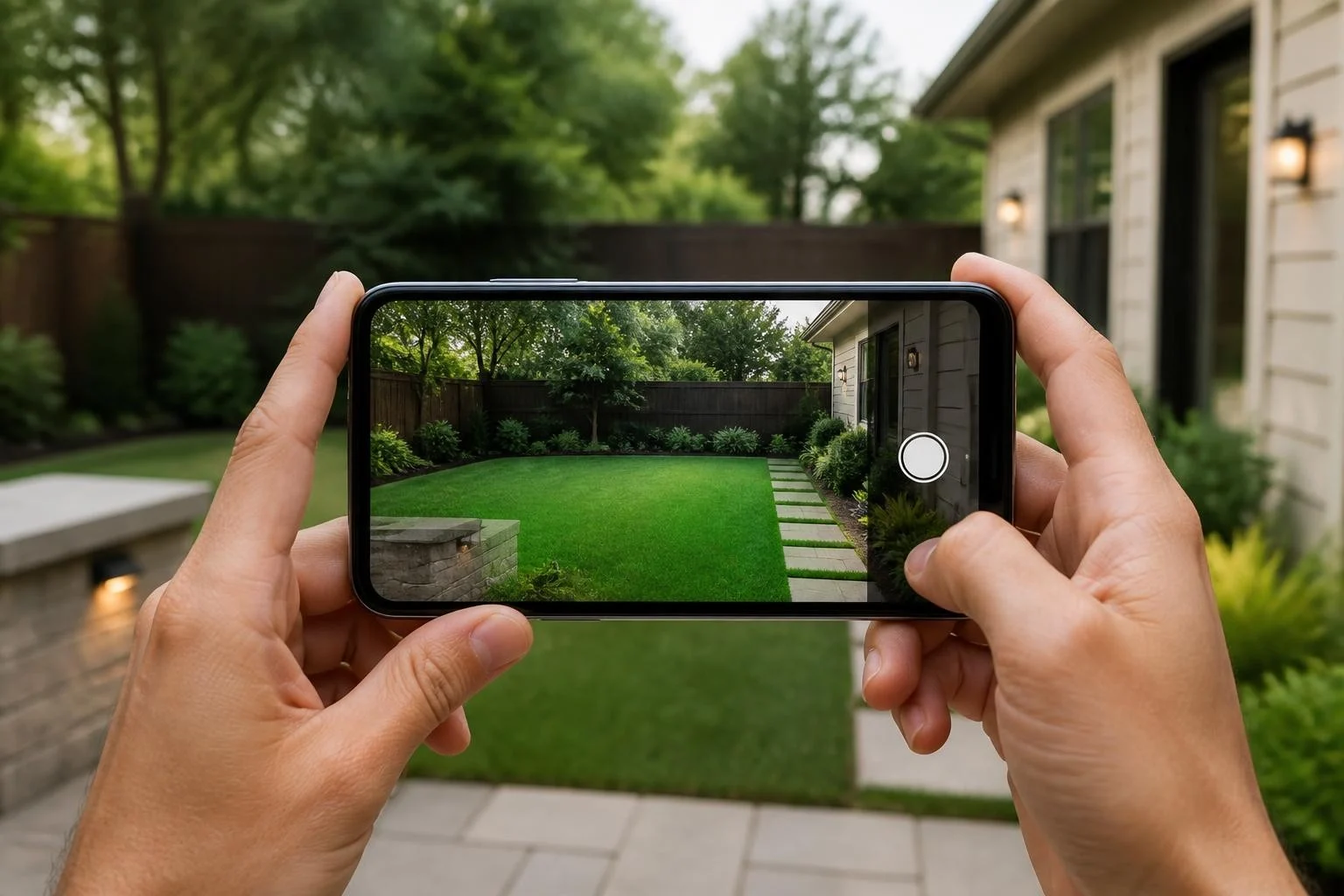
Start from your own outdoor photo instead of a sample layout. The design preview stays connected to visible boundaries, paths, planting areas, and nearby building lines.
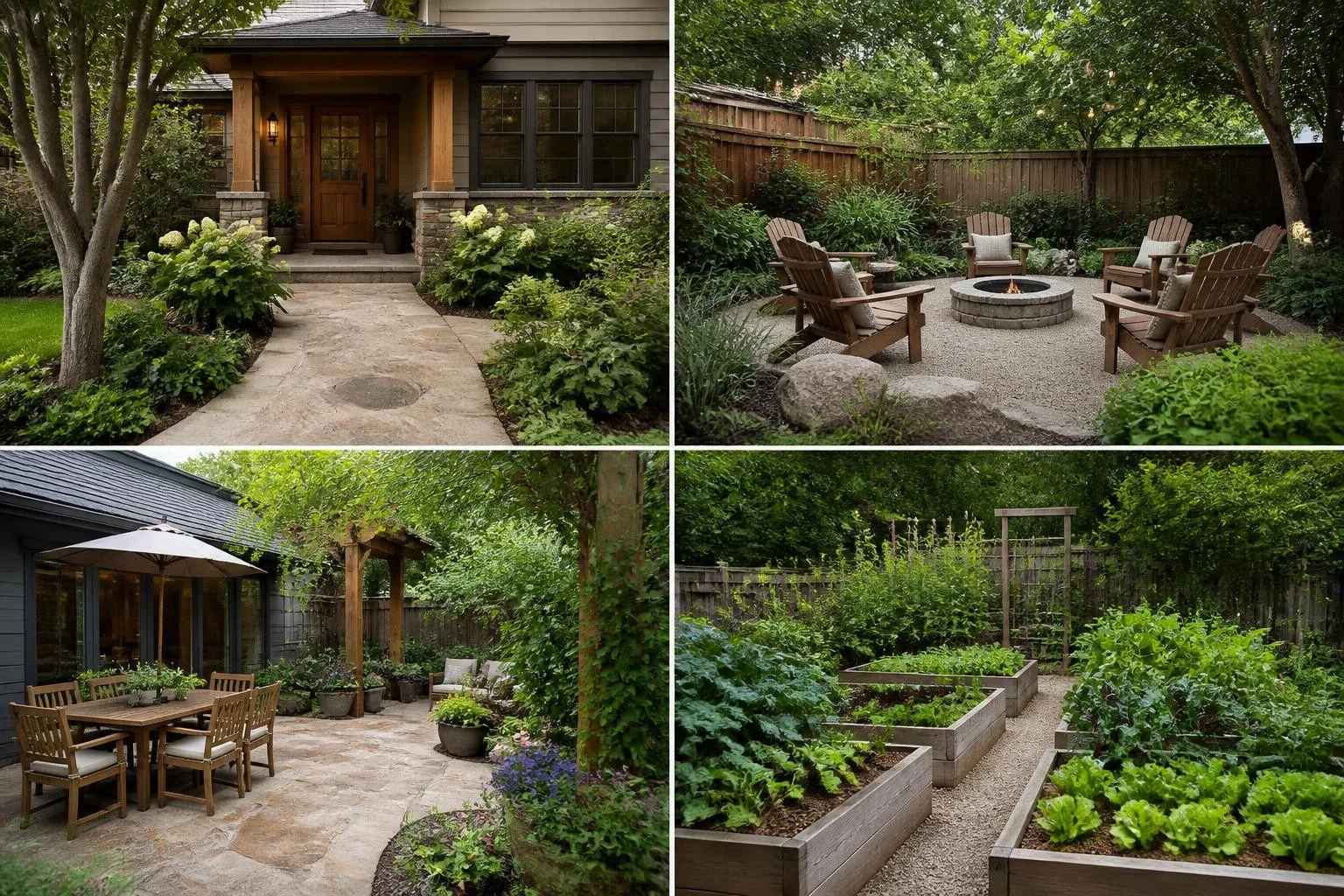
Front yards, backyards, passageways, patios, and terraces have different jobs. Type presets give the planner a clearer starting point before the visual style is applied.
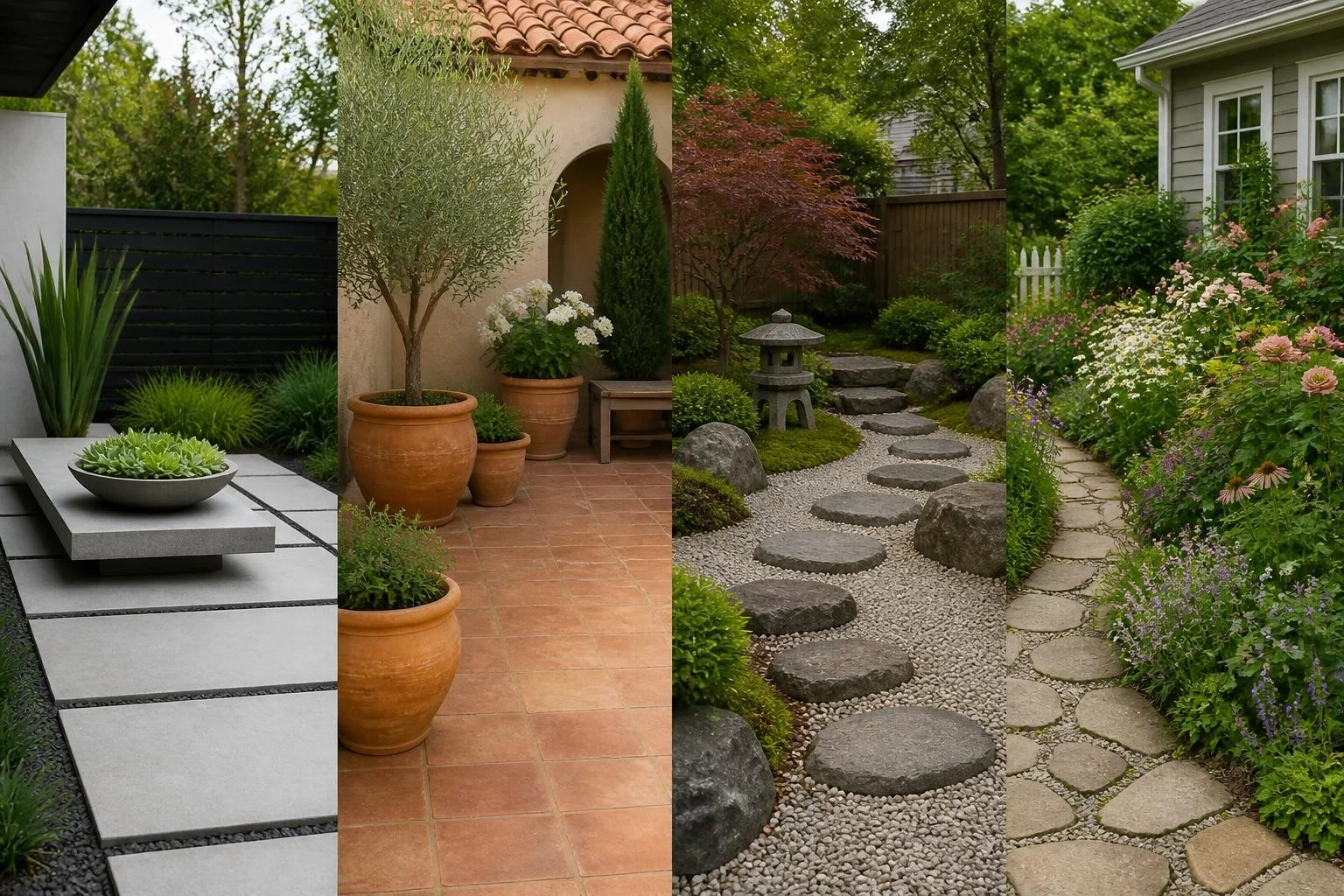
Apply English Cottage, Modern, Mediterranean, Japanese Zen, Tropical, Coastal, Desert, or Minimalist styles to the same photo for faster comparison.

Use the prompt to keep an existing tree, add a stone path, include outdoor dining, soften a fence with planting, or make the space lower-maintenance.
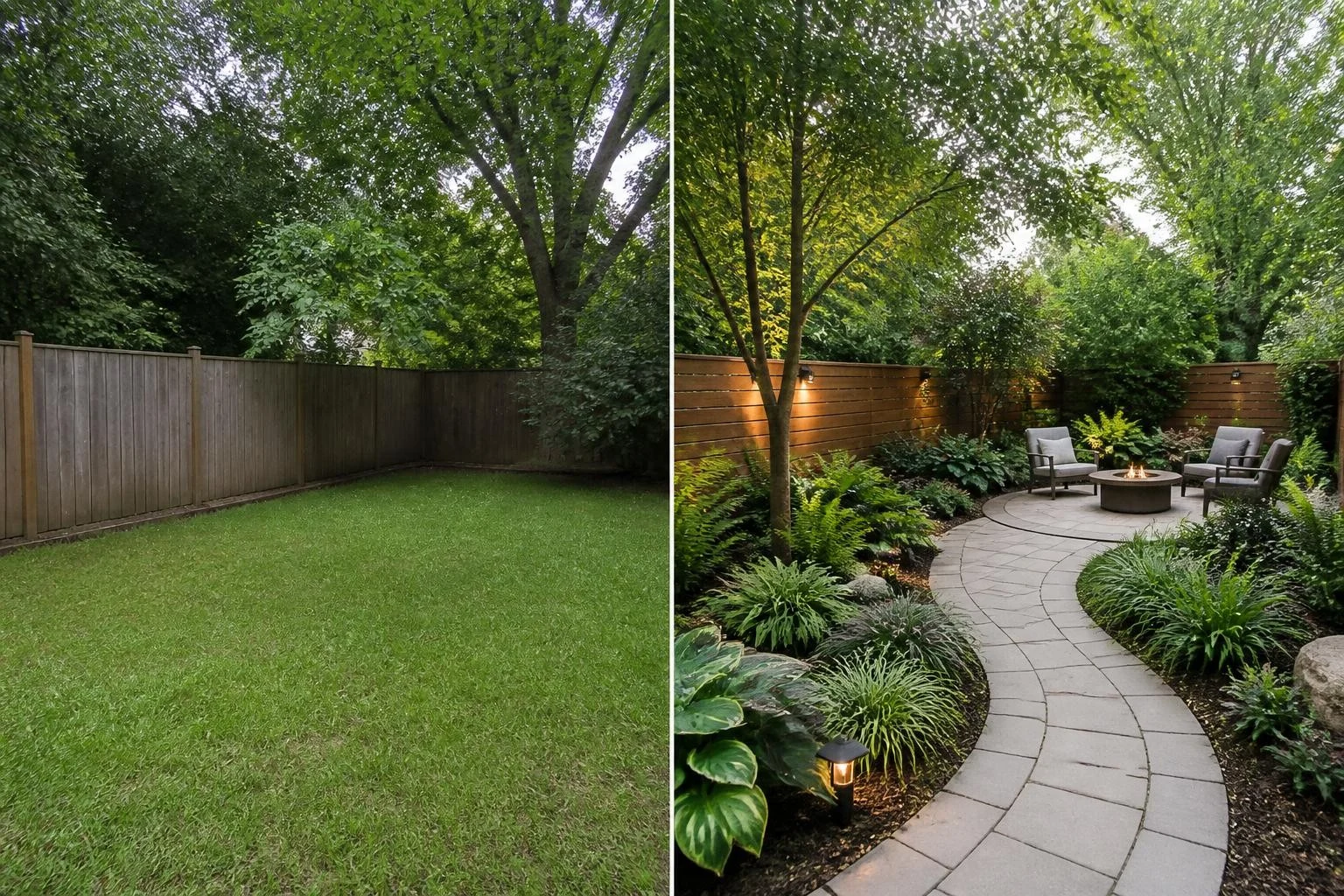
Keep the original photo and generated design close together so you can see what changed and explain the direction without a long description.
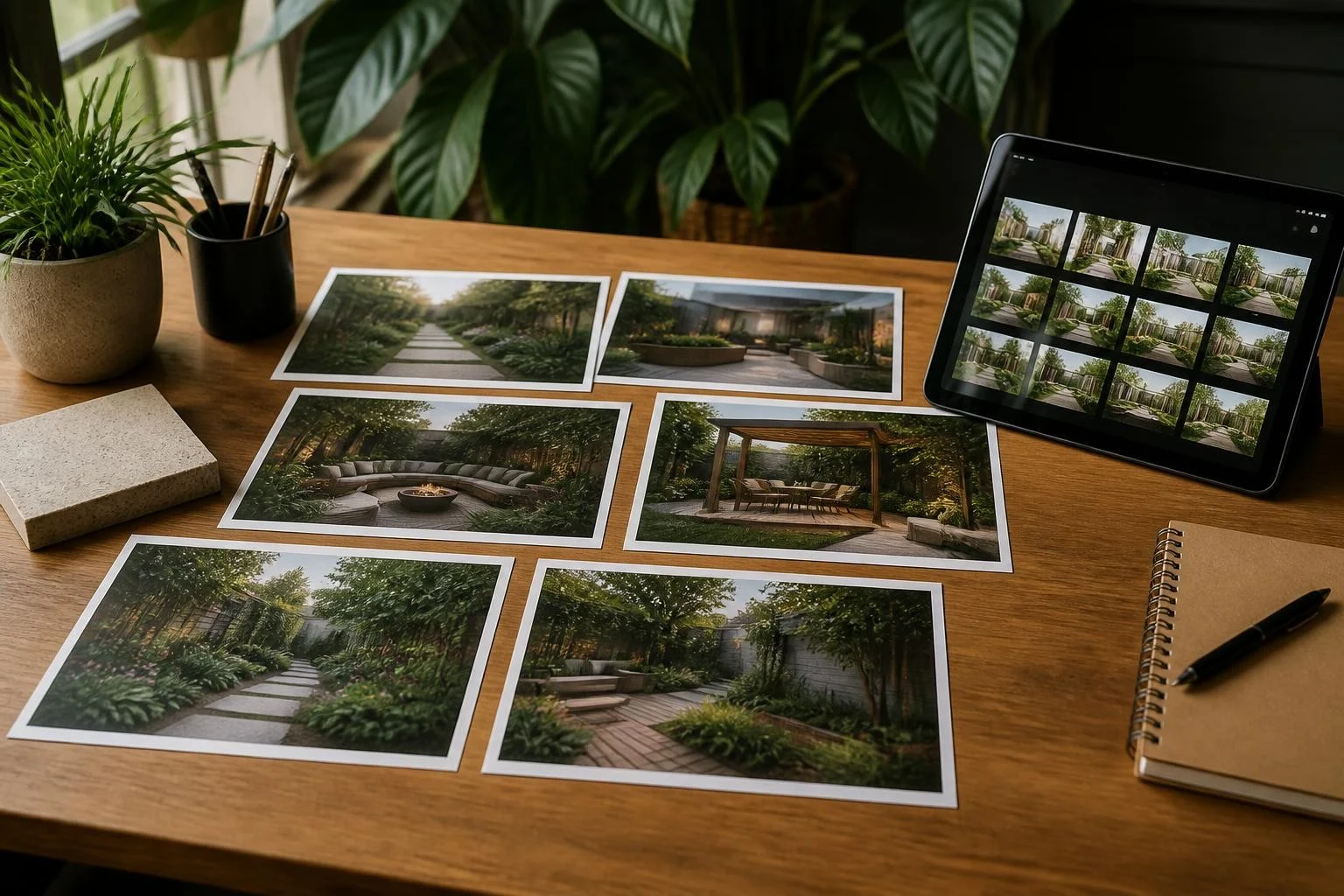
Download useful results as planning references. Recent designs stay available on the same device, so you can compare several versions before choosing.
Most users arrive with a specific outdoor decision: what to keep, what to change, which style fits, and whether the idea is worth taking further.
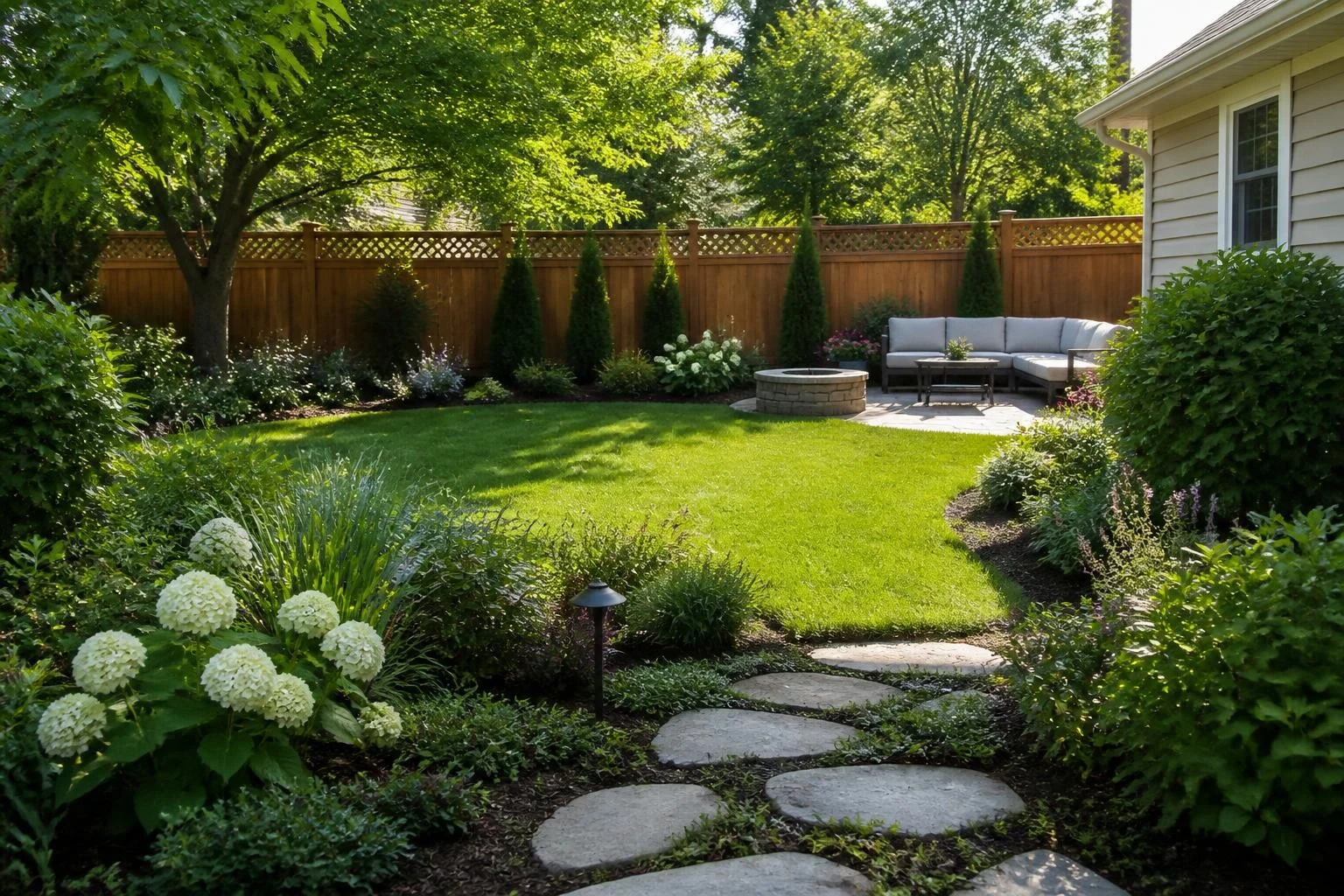
Upload the current backyard and test a more finished planting or seating direction before spending money. This is useful when the yard feels unfinished but a full professional plan would be too early.
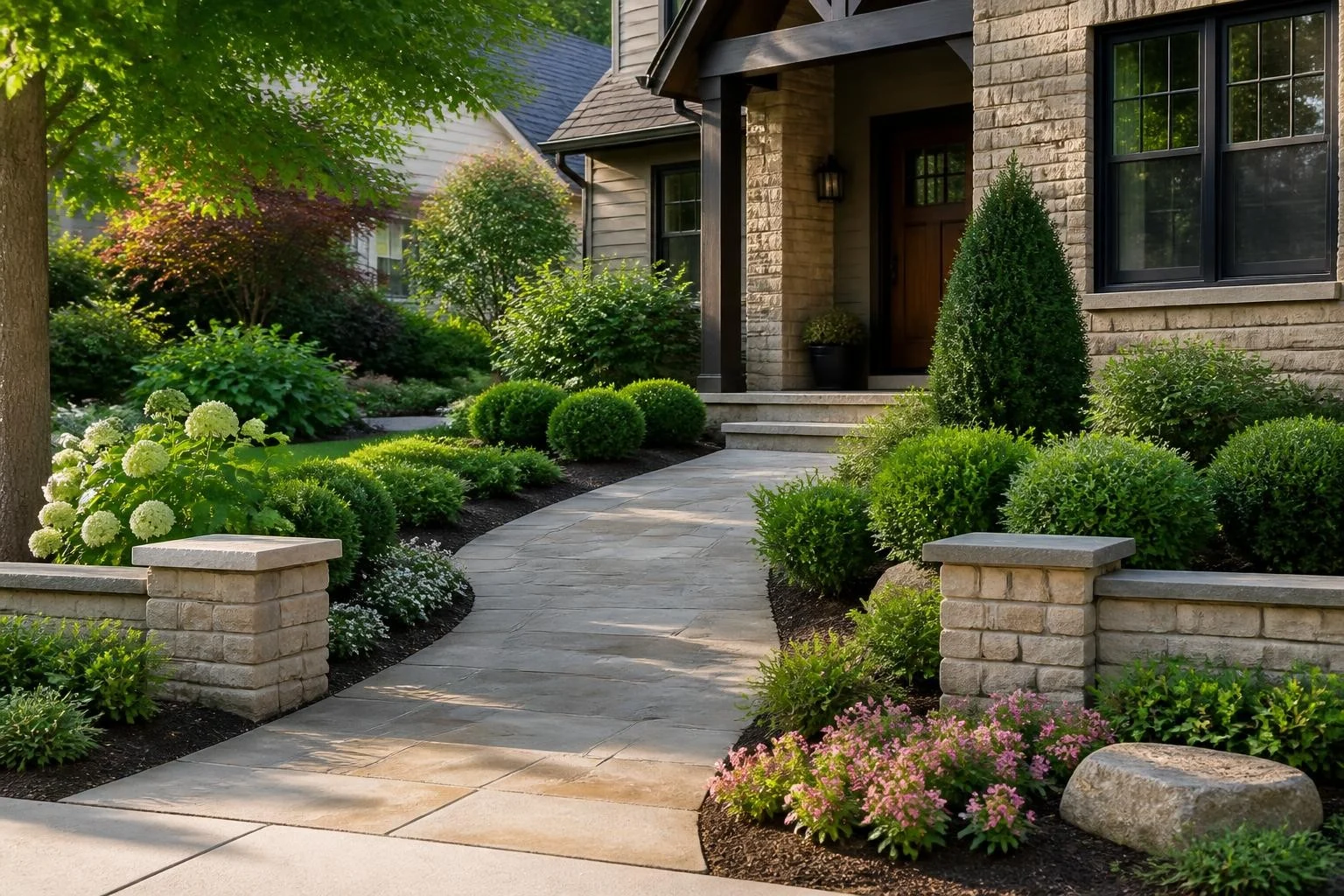
Use the garden planner to test cleaner planting, a stronger entrance path, or a softer first impression before changing the most visible part of the home.
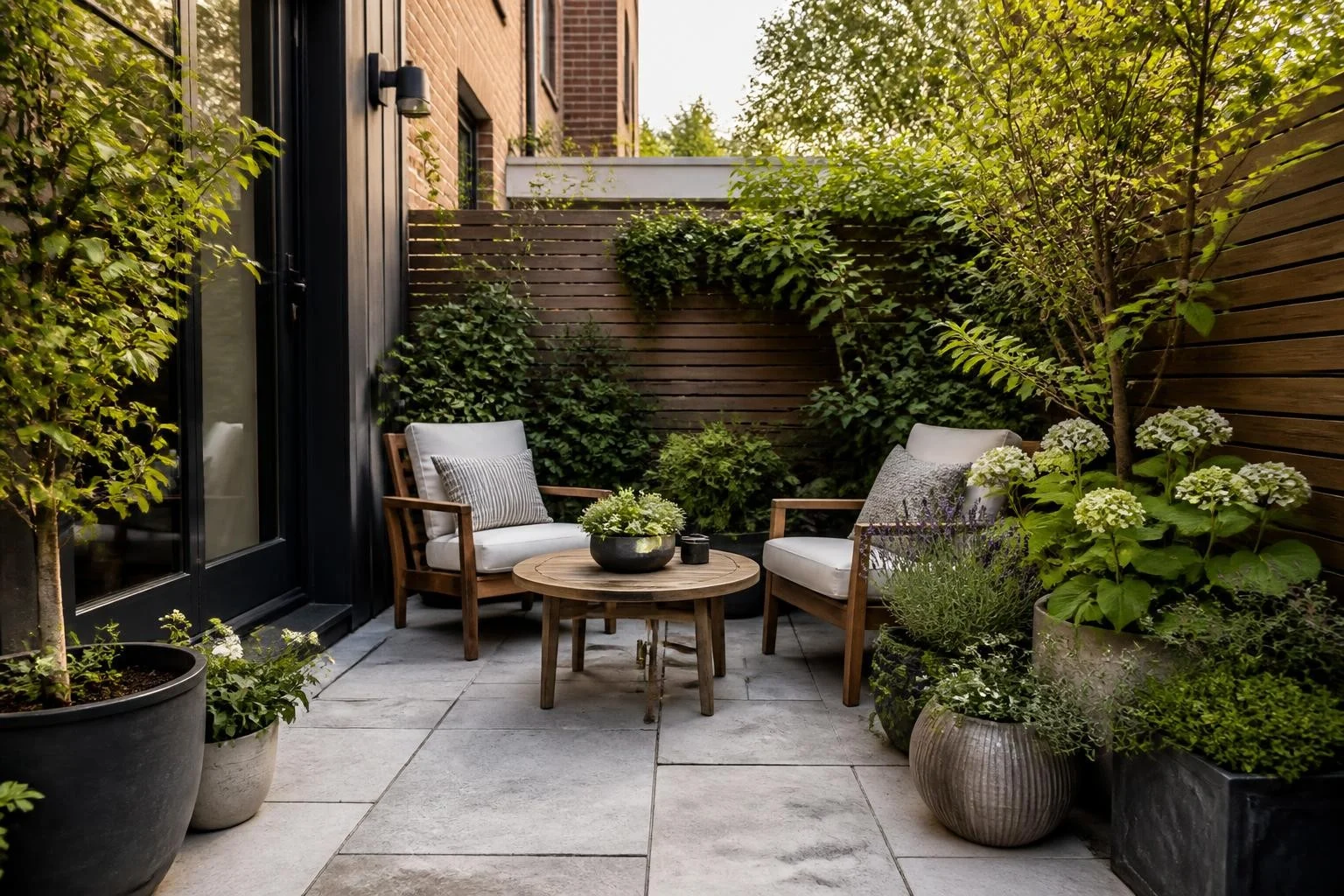
Small outdoor spaces need careful choices. Try planting edges, seating zones, and style directions on the same photo before moving furniture or buying containers.

A generated image gives people a shared reference. Use it to discuss the direction with family, narrow the brief for a landscaper, or decide which idea deserves a detailed quote.
Feedback from planning moments: comparing styles, explaining a direction, and deciding what to try next.






Common questions about using an AI garden planner to create design previews from real yard photos.
A garden planner helps you plan an outdoor space before making real changes. This online garden planner uses your yard photo, selected garden type, style preset, and optional prompt to create a visual design preview.
Upload a photo, choose the space type and garden style, add a prompt if needed, and generate the result. The AI creates a visual concept based on your photo and settings.
Yes. The workflow is built around your own outdoor image. Use a clear photo that shows the full area you want to redesign, including walls, fences, lawn, paths, patios, or planting beds.
Yes. You can add a short prompt to guide the result, such as keeping an existing tree, adding a stone path, creating a low-maintenance garden, or including a seating area.
The MVP supports FrontYard, Backyard, Passageway, Patio, and Terrace types, with Auto, English Cottage, Mediterranean, Desert, Modern, Tropical, Coastal, Japanese Zen, and Minimalist styles.
Yes. After generation, you can compare the original photo with the new garden design preview and download the result as a planning reference.
No. Garden Planner is for visual ideas and early decisions. For grading, drainage, plant health, construction, safety, permits, and final installation, work with qualified local professionals.
Upload your yard photo, choose a garden type and style, add a prompt if you have a specific idea, and generate a before-and-after preview you can save and share.
Upload Your Yard Photo