Garden PlannerGarden Planner
Click or drag to uploadJPG, JPEG, PNG, WebP up to 16MB
0/2000

AI Patio Designer from Your Photo

Use the patio designer to explore paving, furniture, and planting from your photo with a before and after comparison.

AI Patio Designer from Your Photo — concept comparison - Garden Planner

How to Use the Patio Designer

Upload a patio photo, describe how you use the space, and refine the materials and layout.

1

1. Photograph the Patio and Its Connection to the House

Give the patio designer a photo that includes the doorway, paving edge, walls, and nearby planting. These details help the image communicate how the patio sits beside the home. Use a clear JPG, JPEG, PNG, or WebP photograph up to 16 MB.

2

2. Choose the Style and Describe the Use

In the patio designer, select Patio as the space type. Then choose a style direction. Add a short prompt explaining whether you want a dining area, a quiet coffee corner, or a place to lounge.

3

3. Compare the Look and Refine the Details

Let the patio designer generate a concept. Then review how the paving, furniture, and containers relate to the house. Try another style or describe a change in the editor.

Explore the Elements That Give a Patio Its Character

Compare paving, furniture, planting, and the connection between the patio and your home.

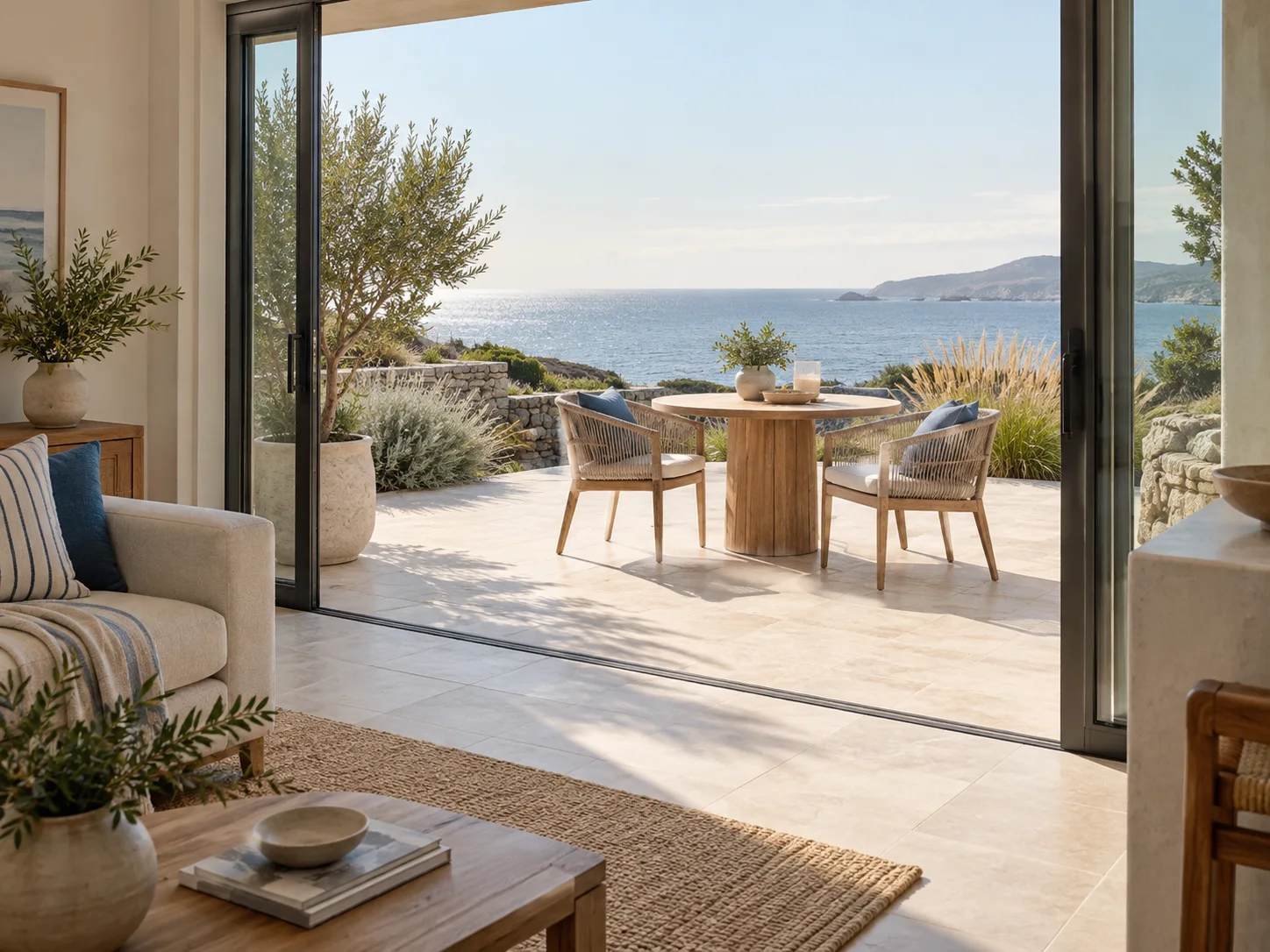
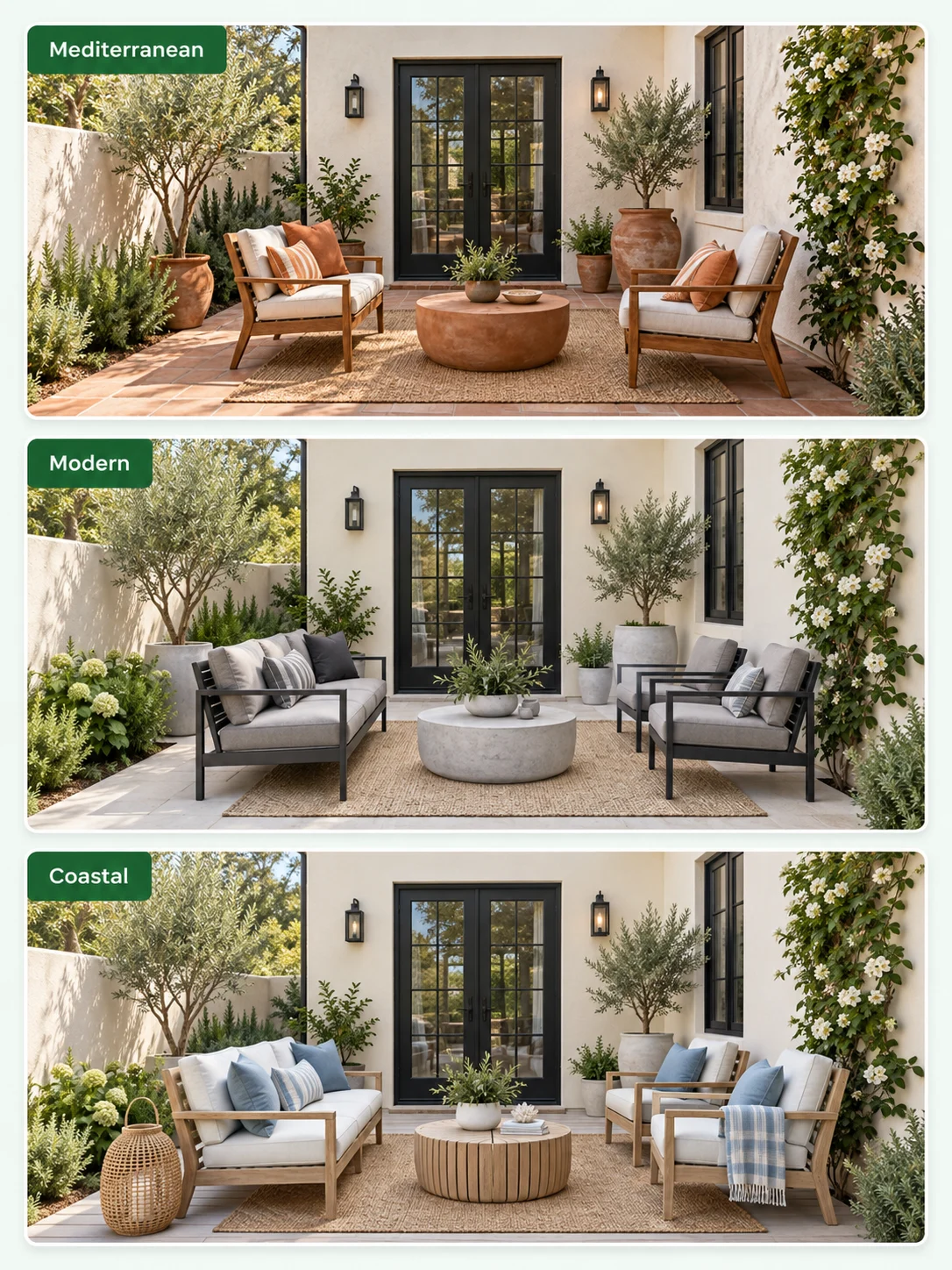
Mediterranean, modern, and coastal patio styles on the same house and doorway

Compare Recognizable Style Directions

Use the patio designer to try Mediterranean warmth, Modern lines, or a lighter Coastal atmosphere. These presets provide starting directions rather than fixed furniture collections. Decide what matters most: the material palette, planting, or arrangement.
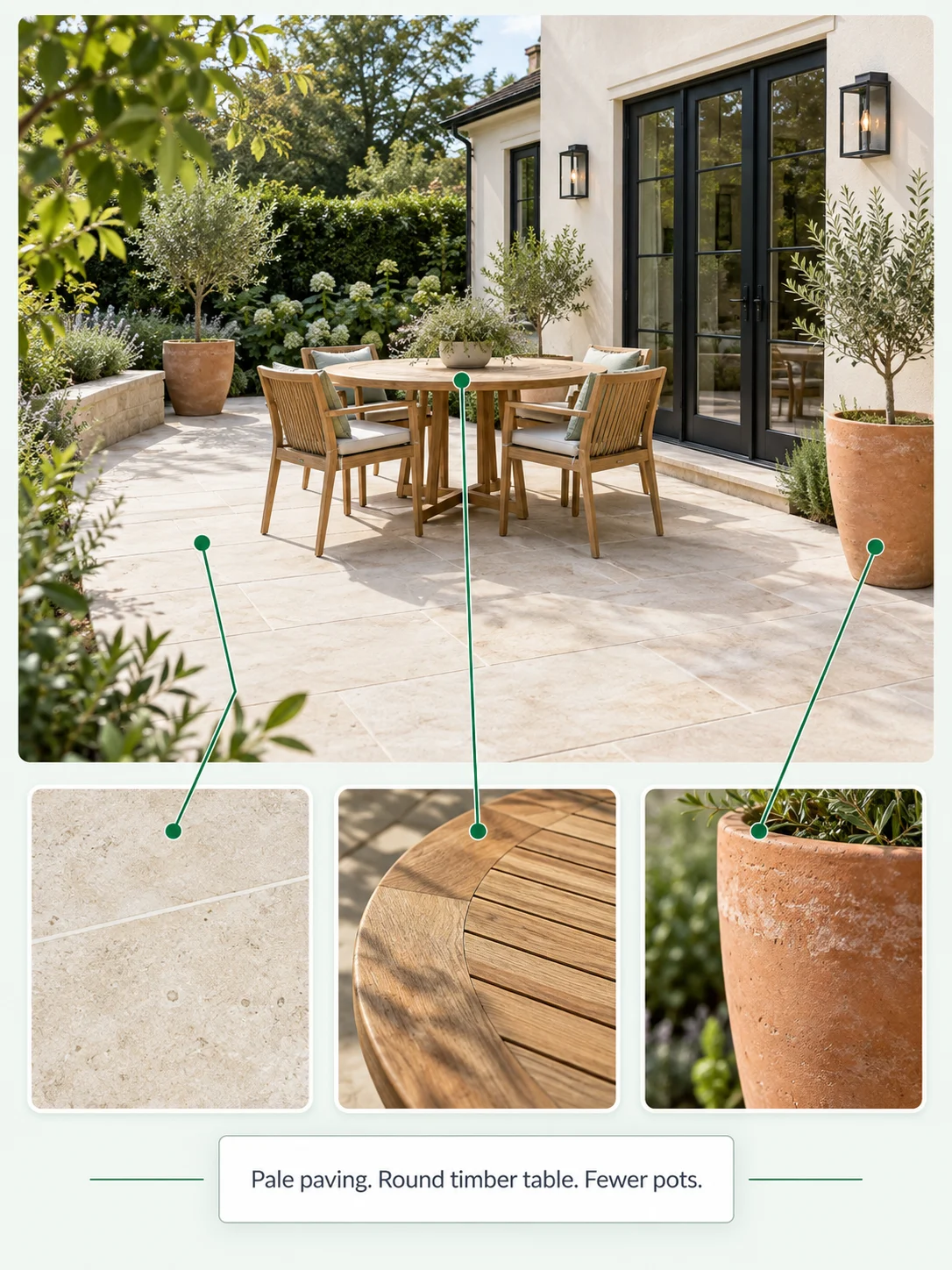
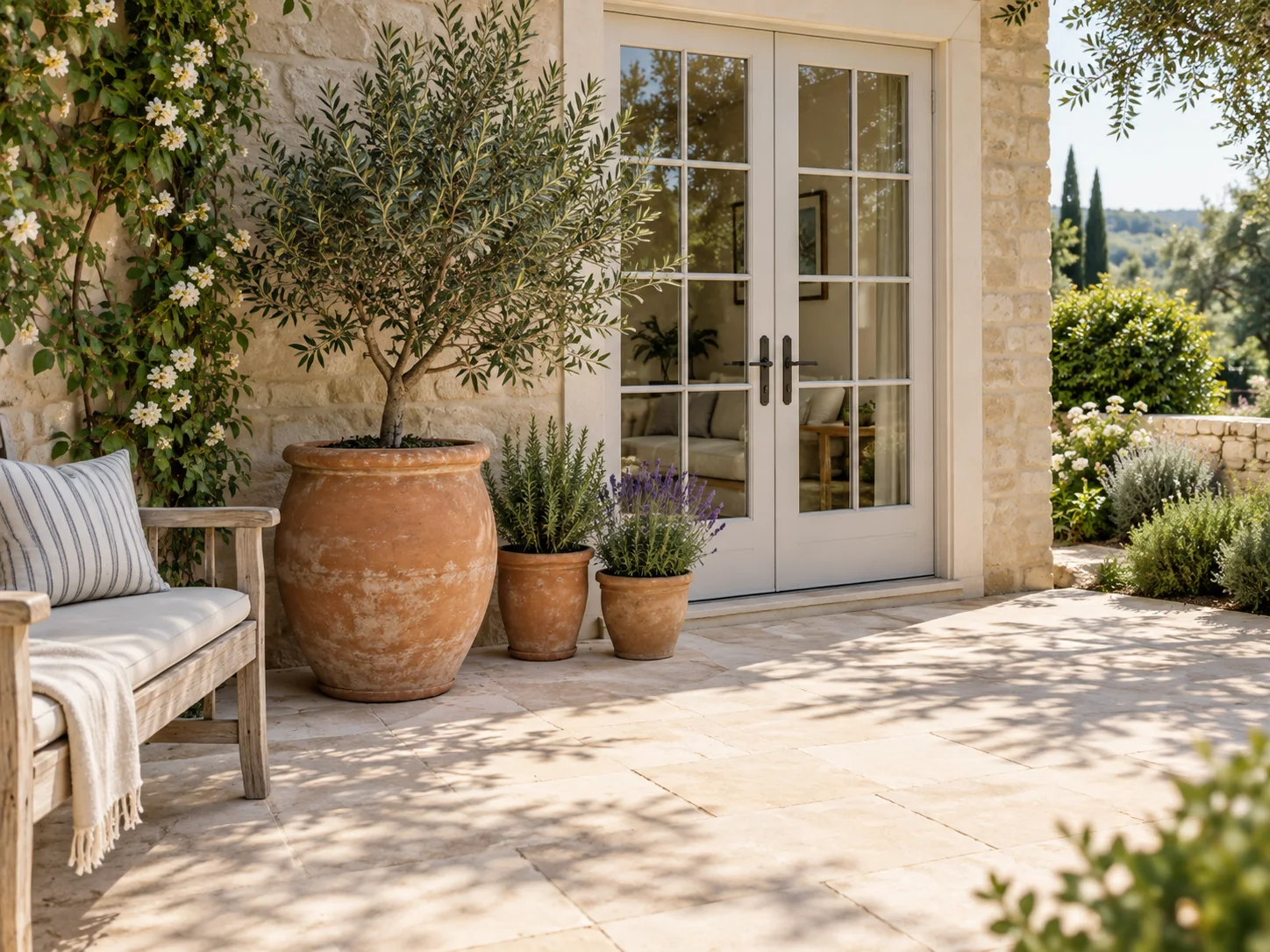
A patio photo beside limestone, teak, and terracotta material samples

Explain Materials and Details in Your Own Words

Give the patio designer a short brief: pale paving, a round timber table, or fewer pots beside the door. A reference image can help communicate a visual preference when the material is hard to describe. The patio designer interprets those inputs to create an image.

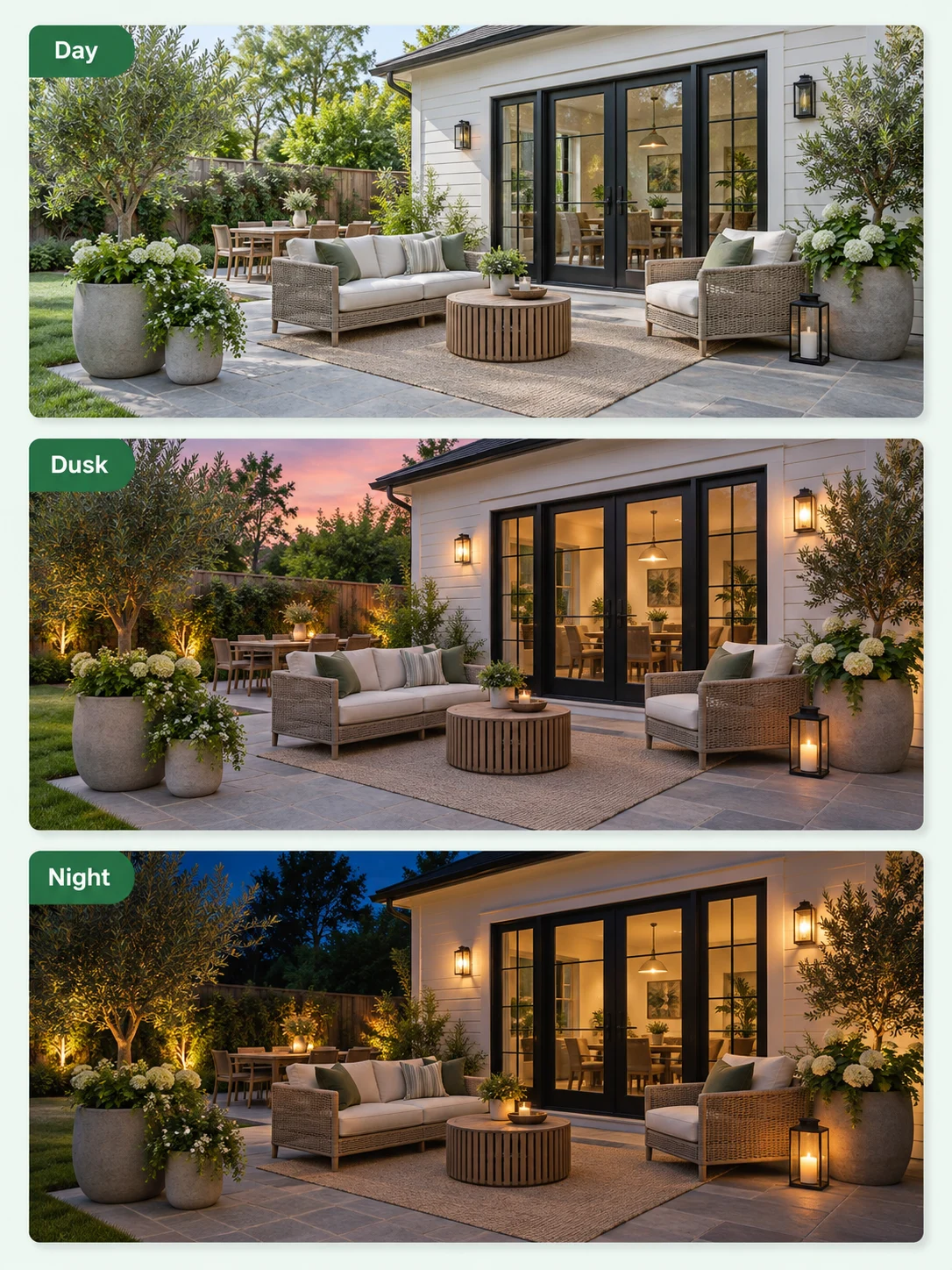
The same patio shown in daylight, dusk, and night lighting

Explore Atmosphere with Time Settings

Use the patio designer's Day, Dusk, or Night settings to explore a different mood. This can help you discuss the mood you want when the space is used at different times. Compare the atmosphere without treating the image as a lighting calculation or a prediction of sunlight on your property.

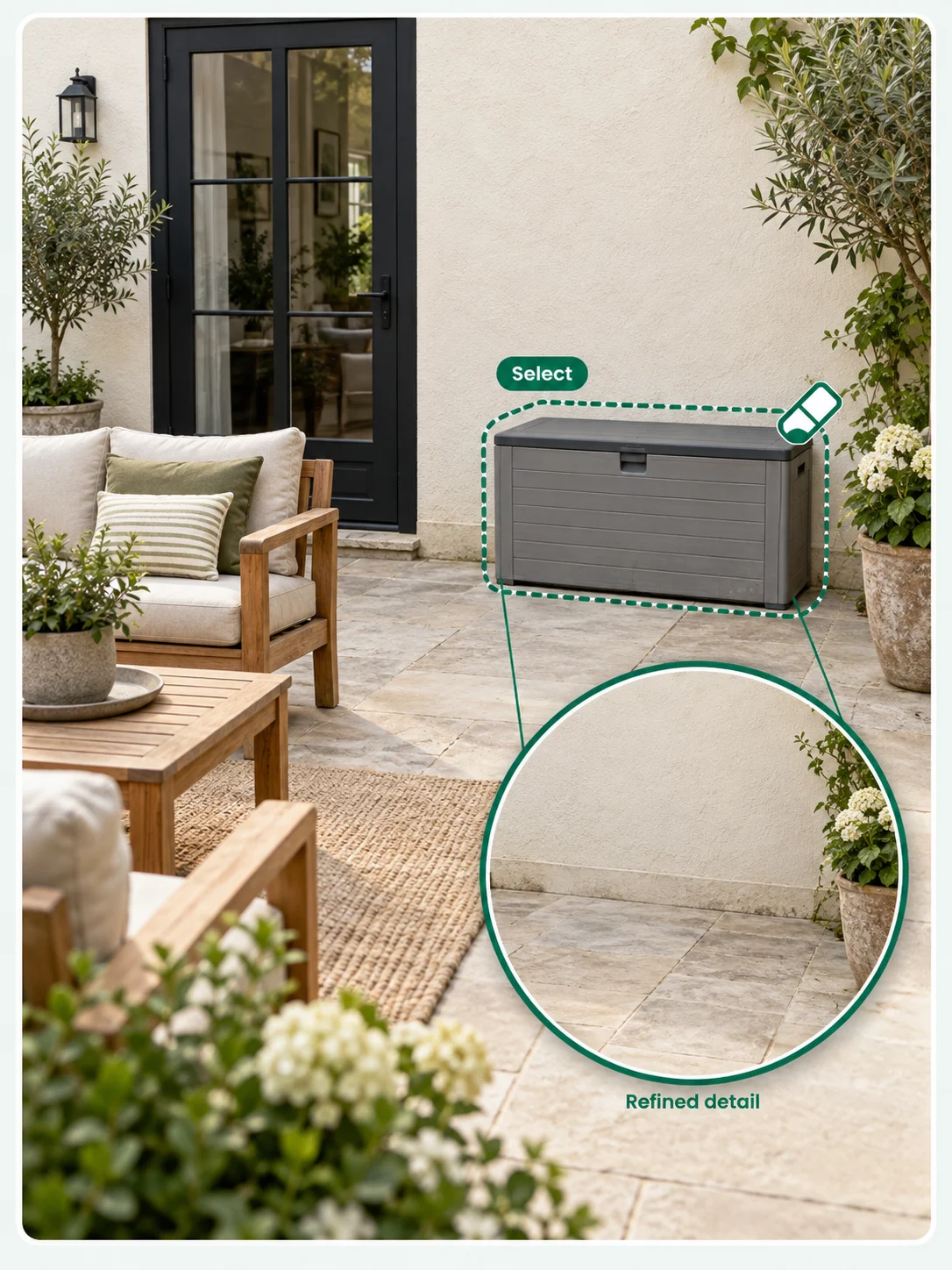
A patio photo with a storage box selected and a magnified view after removal

Refine the Image and Keep a Reference

Use text editing to describe a detail that needs another pass. The Remove workflow can help you explore an image without a selected object. Review the output carefully, then download the versions that express your preferences best.

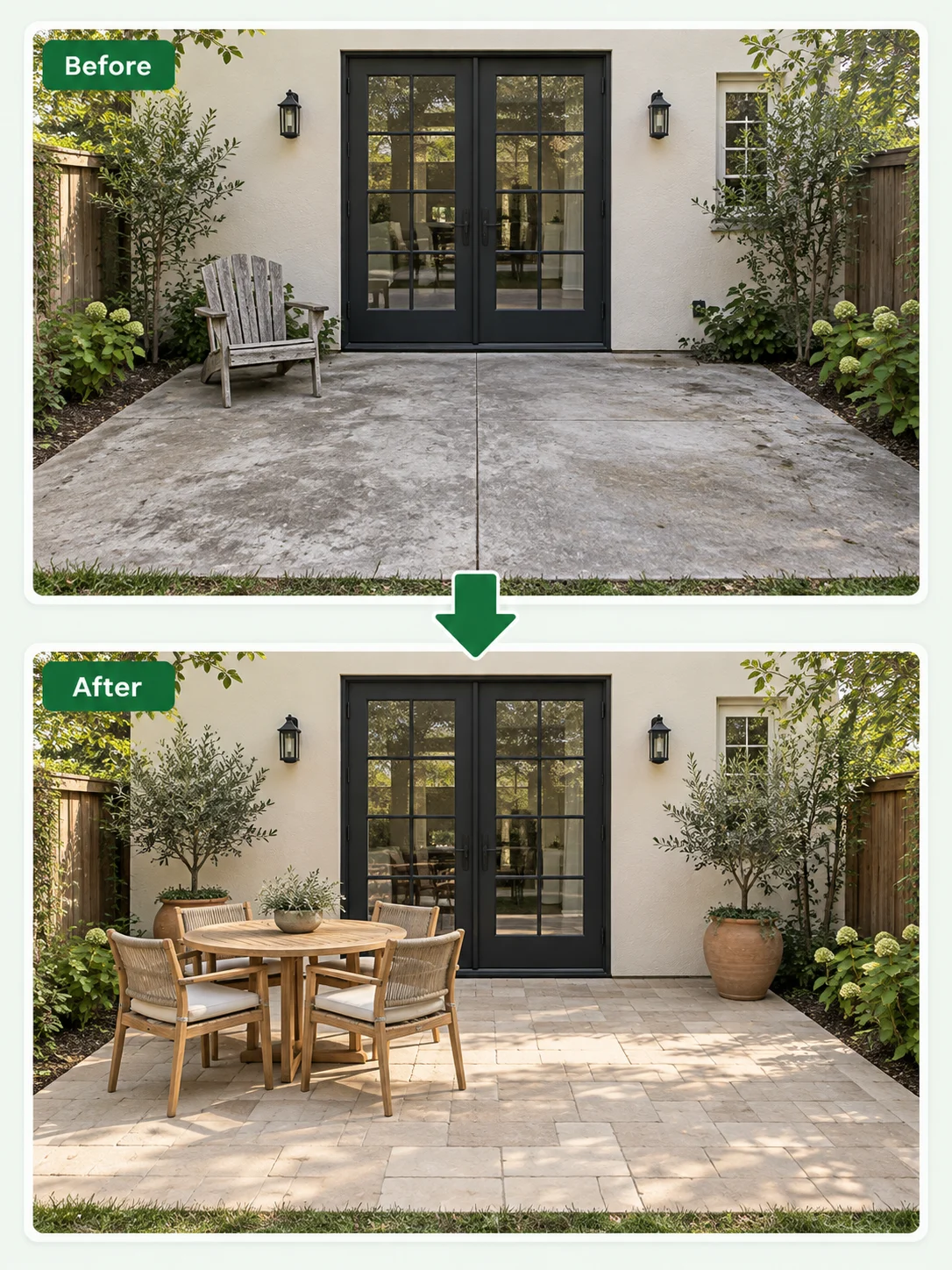
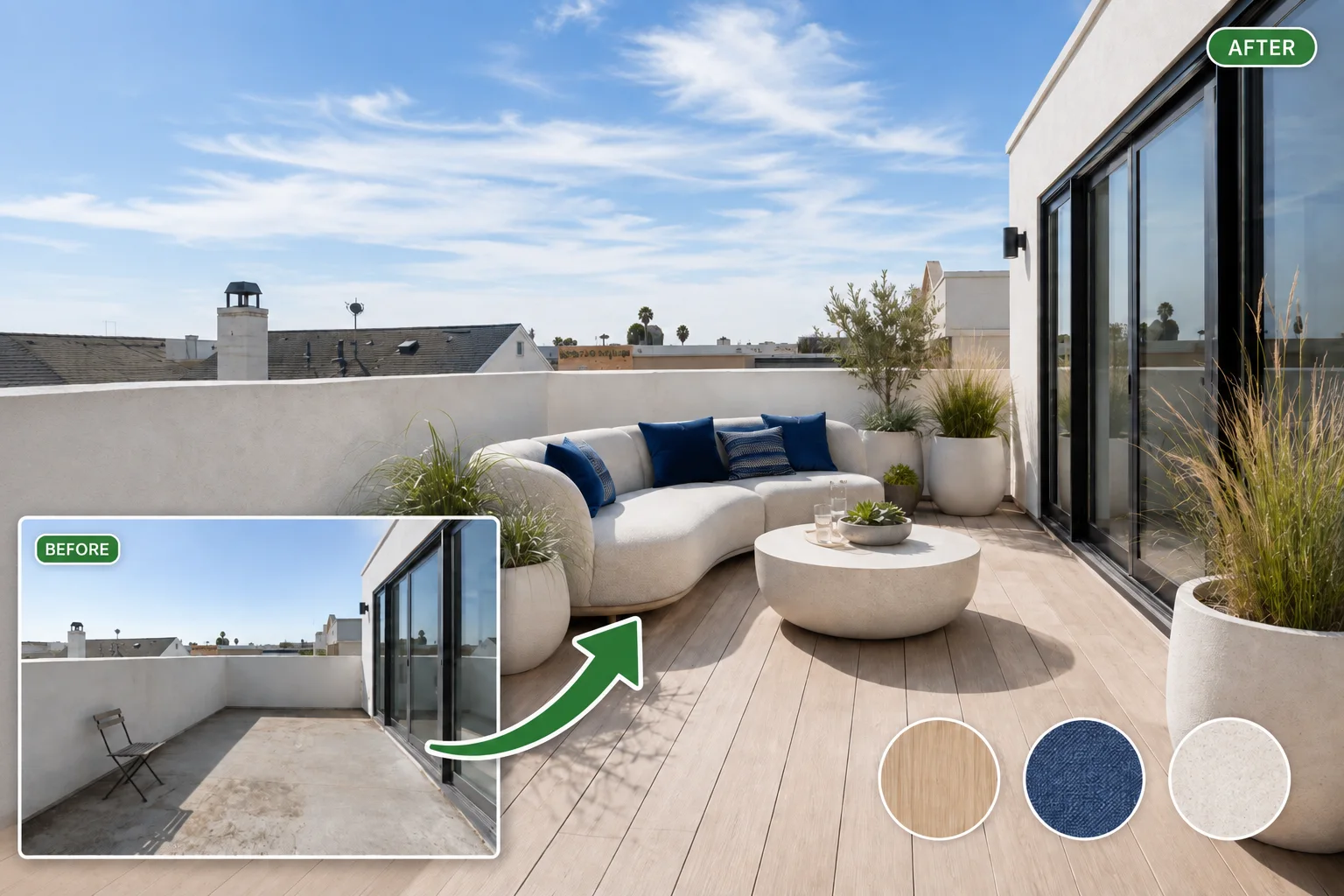
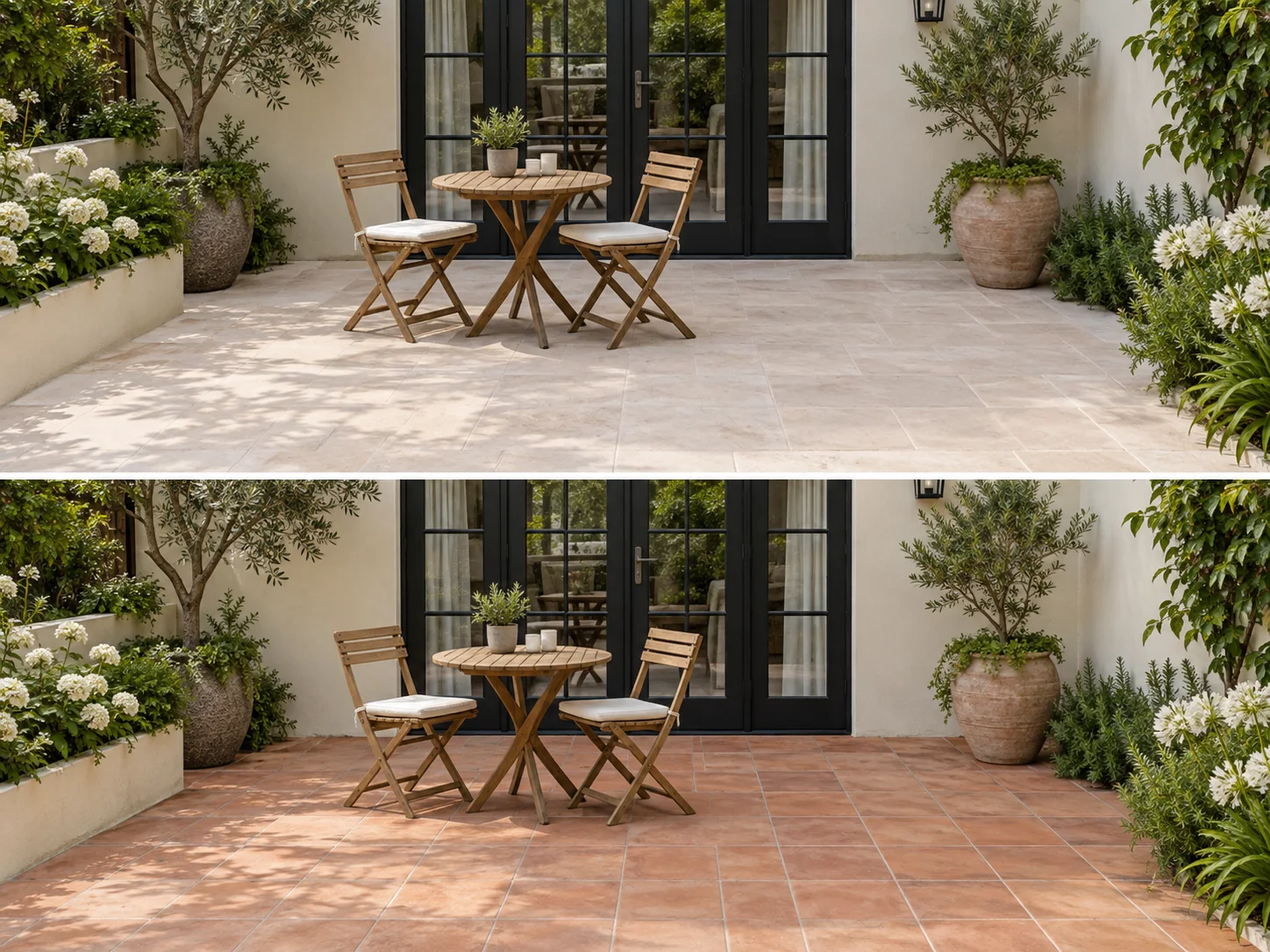
Before and after views of the same patio with new paving and dining furniture

Before-and-After Preview

Place the original patio beside the new concept so changes to paving, furniture, containers, and the doorway are easier to assess. Use the patio designer comparison to review one choice at a time, then check that the doorway and seating area still feel connected.

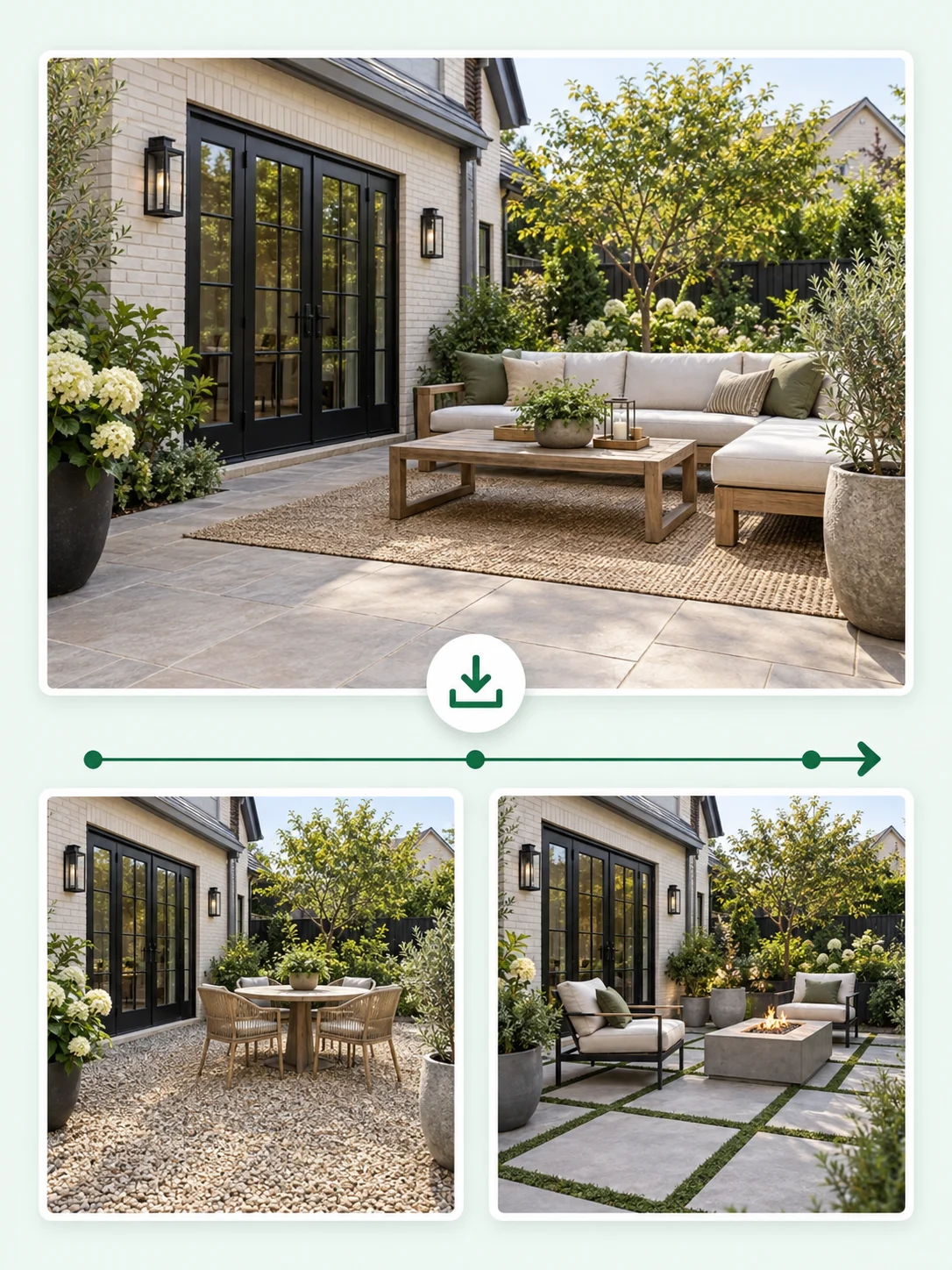
Saved patio concepts arranged as a photo archive for later comparison

Download and Recent History

Save the patio concepts you want to compare with samples and measurements. Recent history helps you return to an earlier material or furniture direction.

Patio Design Ideas for Different Ways to Spend Time Outside

Explore ideas for a coffee spot, dining area, lounge corner, or lighter refresh.

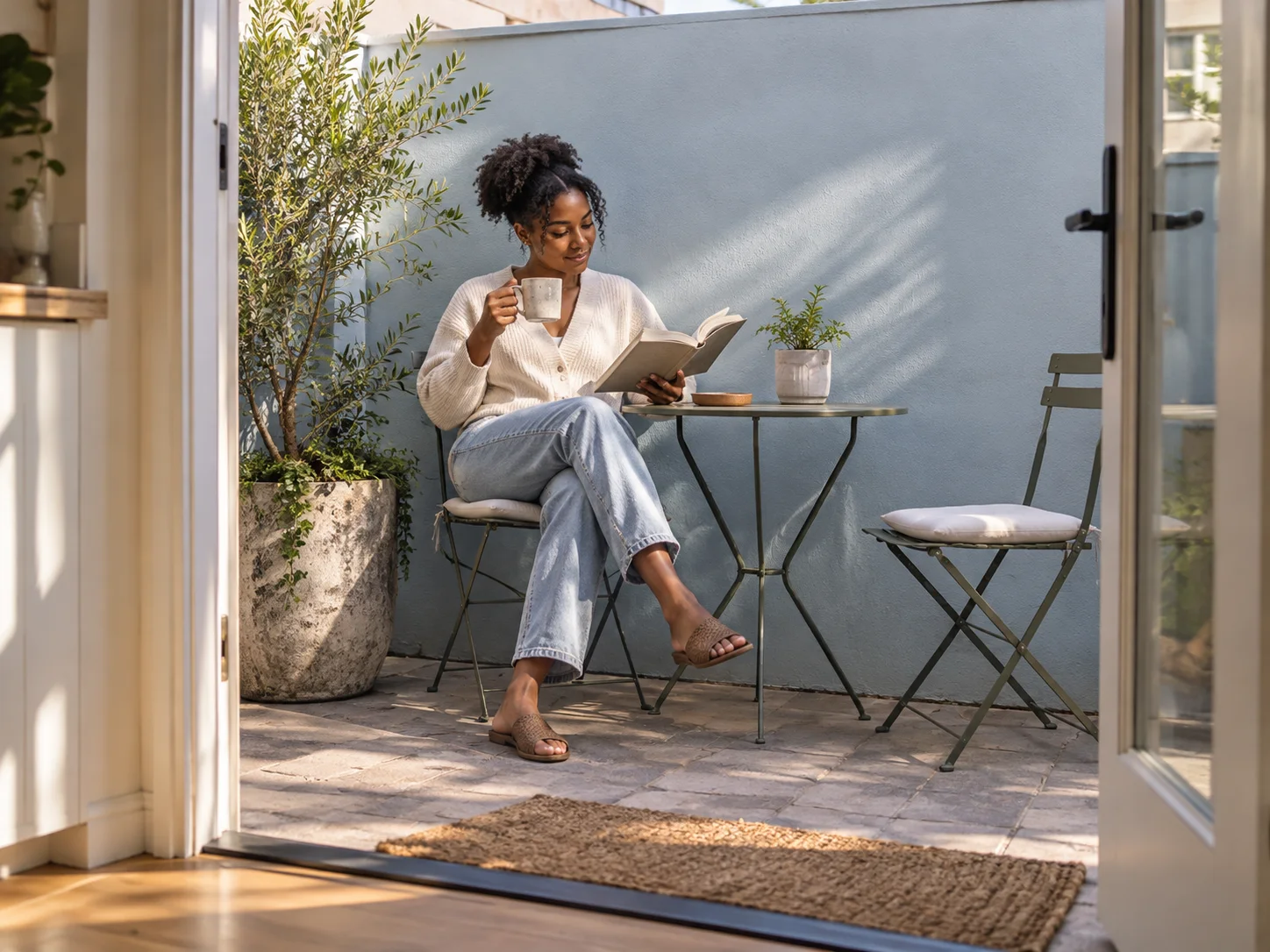
A woman having morning coffee at a small bistro table on an urban patio

Make Room for Morning Coffee

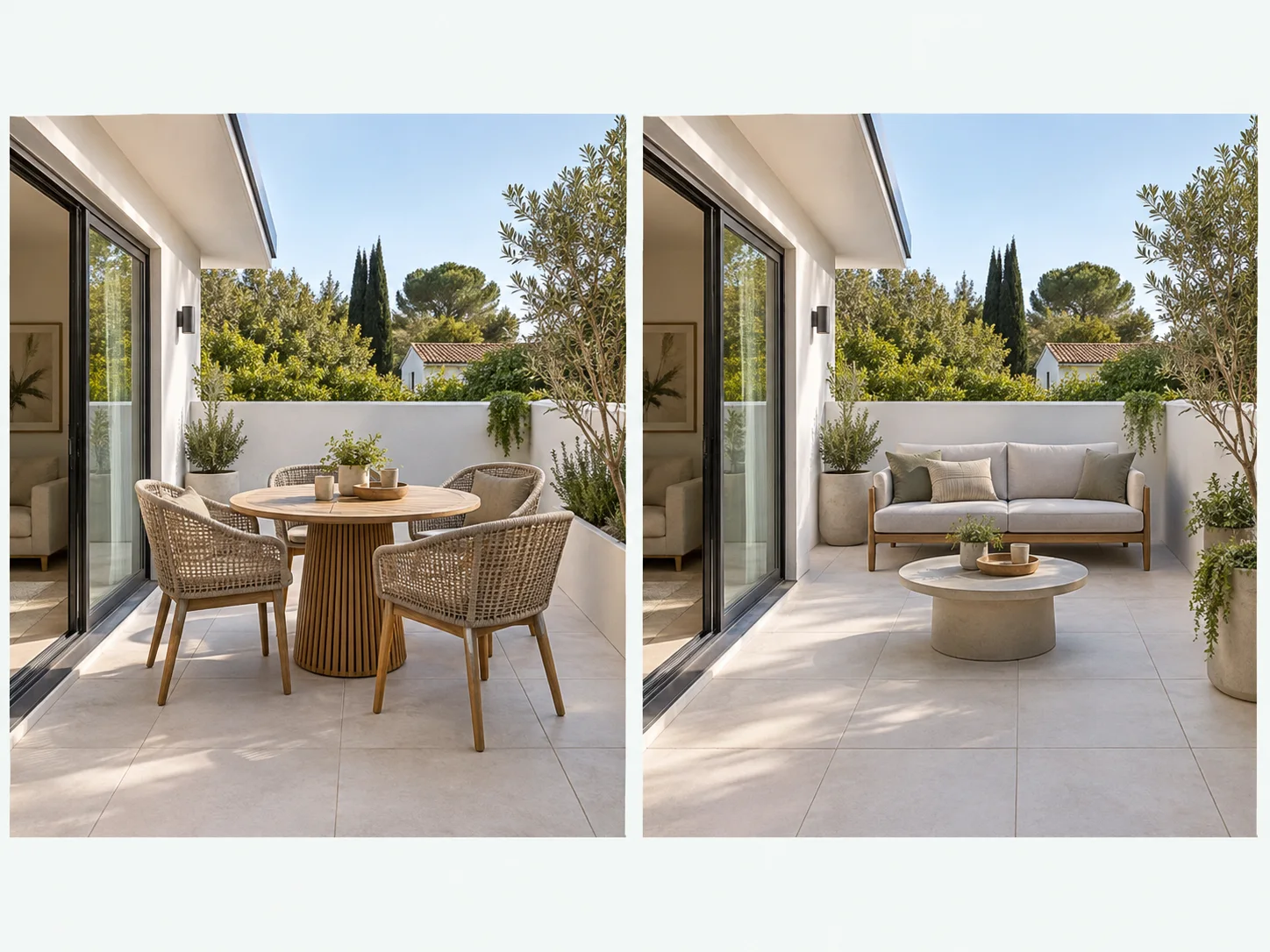
For a small space, ask the patio designer for two seats, a compact table, and one good spot for a plant. Ask for a compact arrangement with a clear relationship to the door. In a small space, a patio designer is most useful when the brief is selective. Compare a simple bistro setting with a pair of lounge chairs and decide which better suits the routine you want to create.

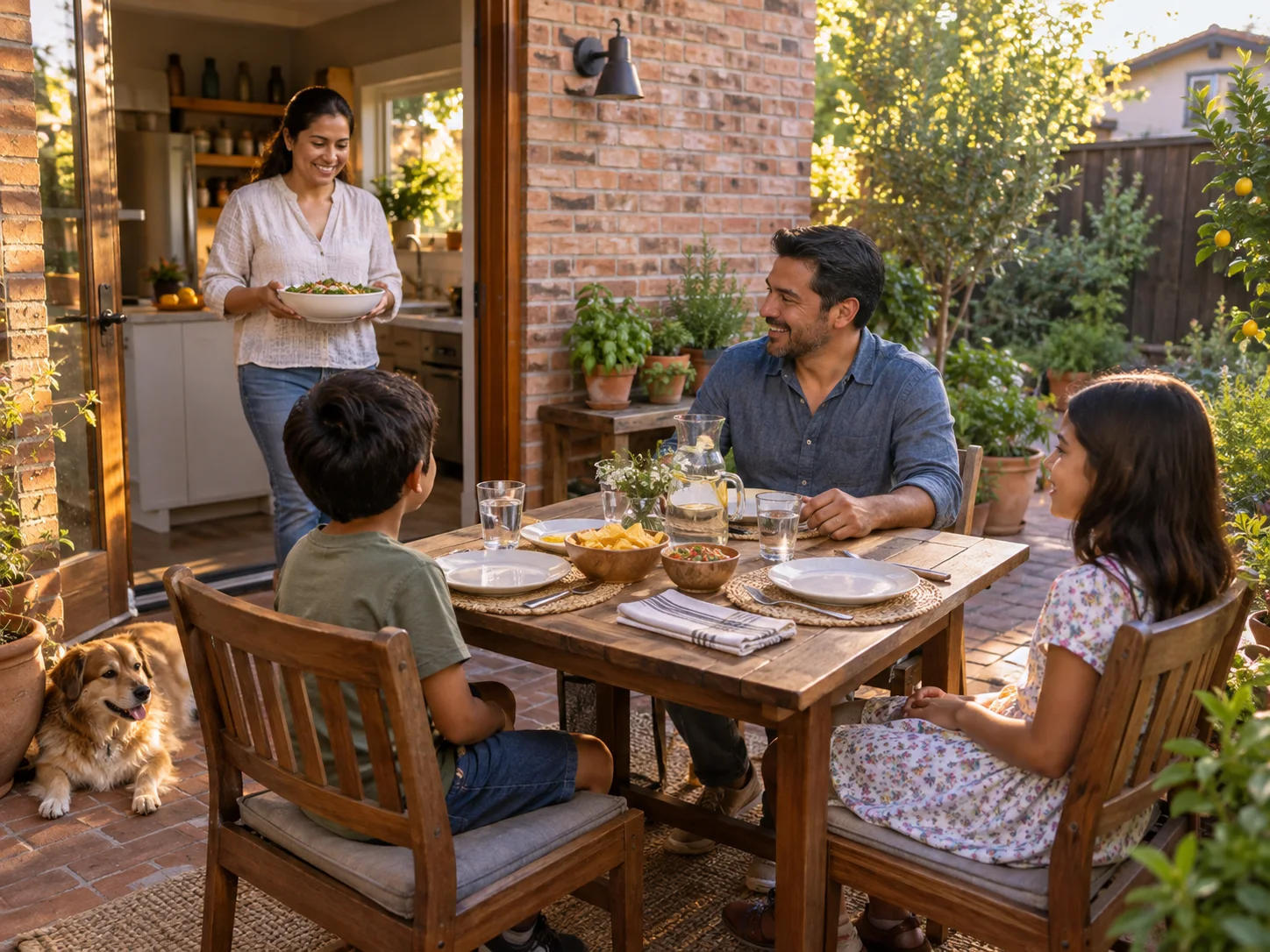
A family bringing food from the kitchen to a timber table on the patio

Bring Family Dining Outside

Include the kitchen door or the route used to bring food outside in the photo. Describe the number of people you hope to accommodate as a design intention, then review the concept for overall arrangement. A generated table with four chairs does not confirm that four people will fit comfortably on your patio. Use the image to choose a direction and your measurements to work out the real furniture size and circulation.

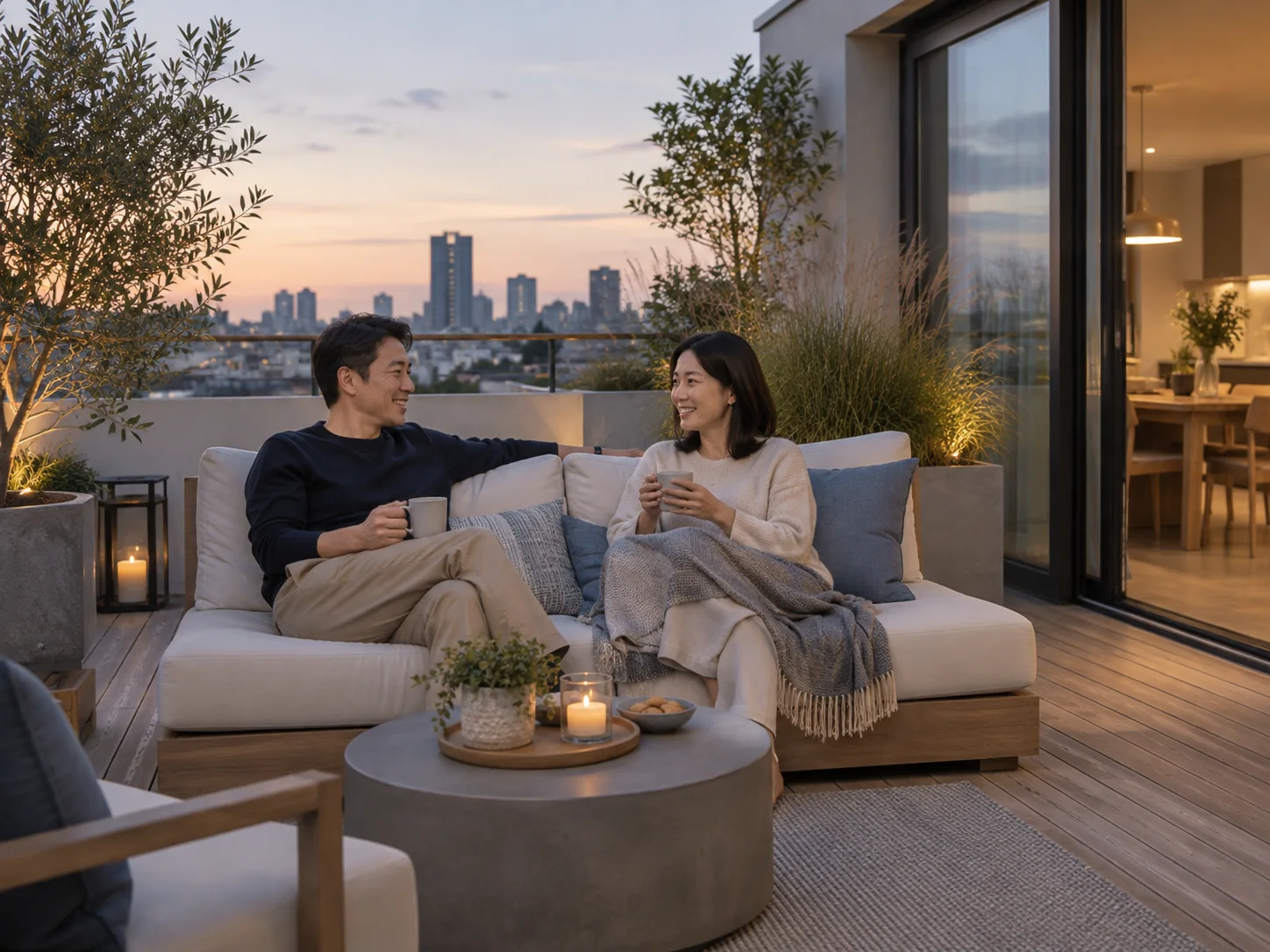
A couple unwinding on a compact outdoor sofa after work

Unwind in a Comfortable Lounge Corner

If the patio is mostly a place to unwind, explore a softer furniture arrangement with a simple planted edge. Try a restrained palette so the seating remains the focus. You can ask for shade or a pergola. The picture cannot show structural support or predict where real shade will fall.

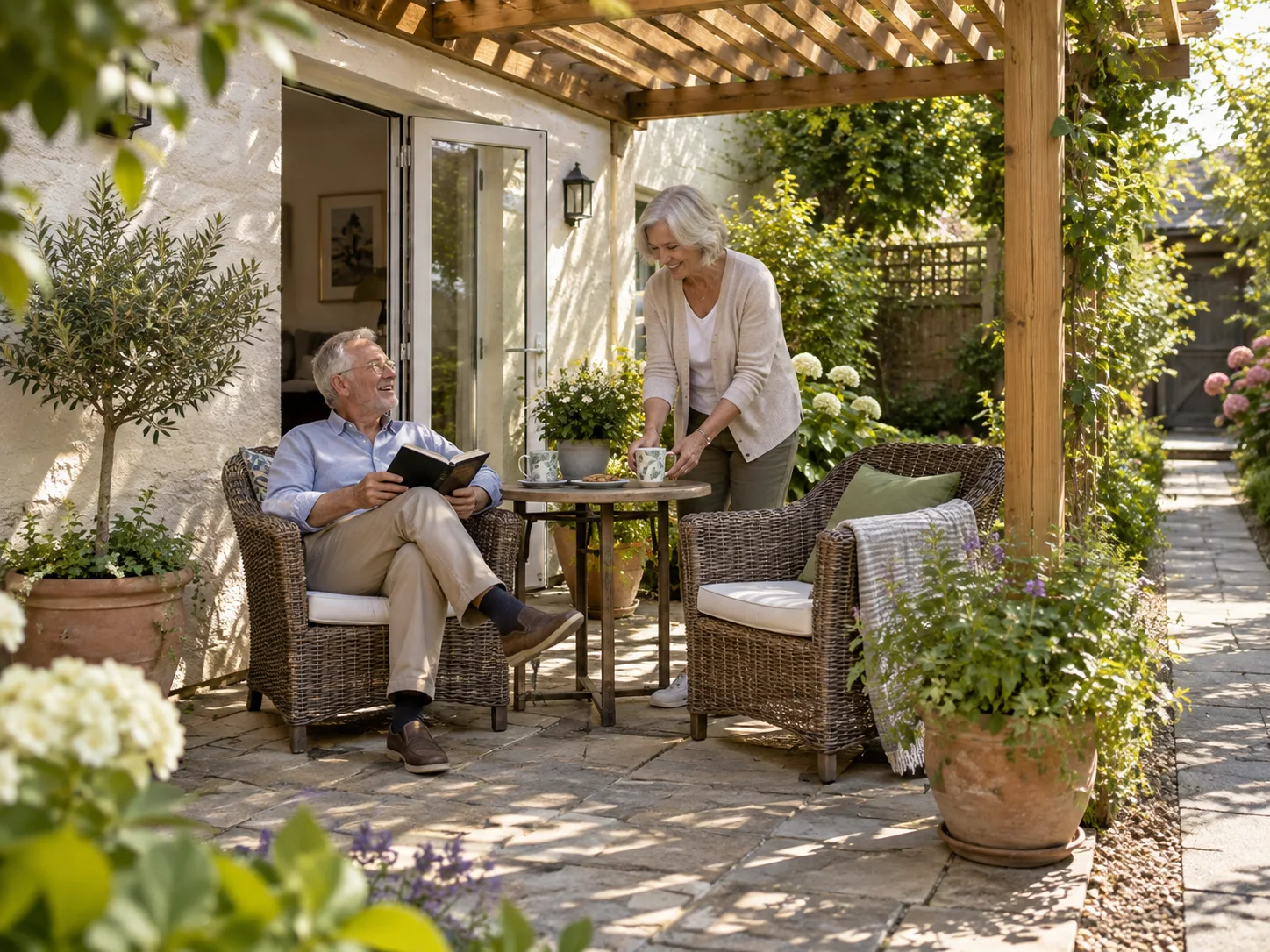
An older couple reading under a simple timber pergola on a garden patio

Compare a Covered Patio Idea

Ask for a pergola or a more sheltered mood to explore the appearance. Treat the result as an idea because it does not validate structural support. Check how the cover changes the view from inside the house. Keep the doorway and main walking route clear in every version. Use real measurements before discussing structure.

What Users Say About Garden Planner

Example testimonials with fictional names, illustrating possible uses of the tool.

I used this page to compare pale stone and darker paving. The two versions made our first choice much clearer.
Chloe Wilson - Garden Planner
Chloe Wilson
Homeowner
The photo workflow let me test a dining table and lounge chairs without redrawing the space. I could explain the idea to my family in minutes.
Lucas Martin - Garden Planner
Lucas Martin
DIY Renovator
I tried Mediterranean and Modern styles on the same photo. Seeing them in context was more useful than saving another folder of inspiration images.
Maya Lin - Garden Planner
Maya Lin
First-Time Homebuyer
The editor helped me change one distracting detail while keeping the main idea. That saved me from starting the whole concept again.
Elena Garcia - Garden Planner
Elena Garcia
Garden Enthusiast
I downloaded two options and added notes about what I liked. The images gave our contractor a clear starting point for the discussion.
Oliver Hayes - Garden Planner
Oliver Hayes
Home Seller
The result was useful for an early conversation. I still checked measurements and site details before making any practical decisions.
Adrian Wu - Garden Planner
Adrian Wu
Landscape Contractor

Patio Designer FAQs

Common questions about using a patio photo to explore materials, furniture, and layout ideas.

Find a Patio Direction You Can Picture

Start with a photograph of your patio. Explore a material mood, describe the way you want to use the space, and save a concept that brings the next decision into focus.

Create Your Patio Design