 Garden Planner
Explore backyard design ideas from your photo, then compare dining areas, open lawn, and privacy planting before and after.
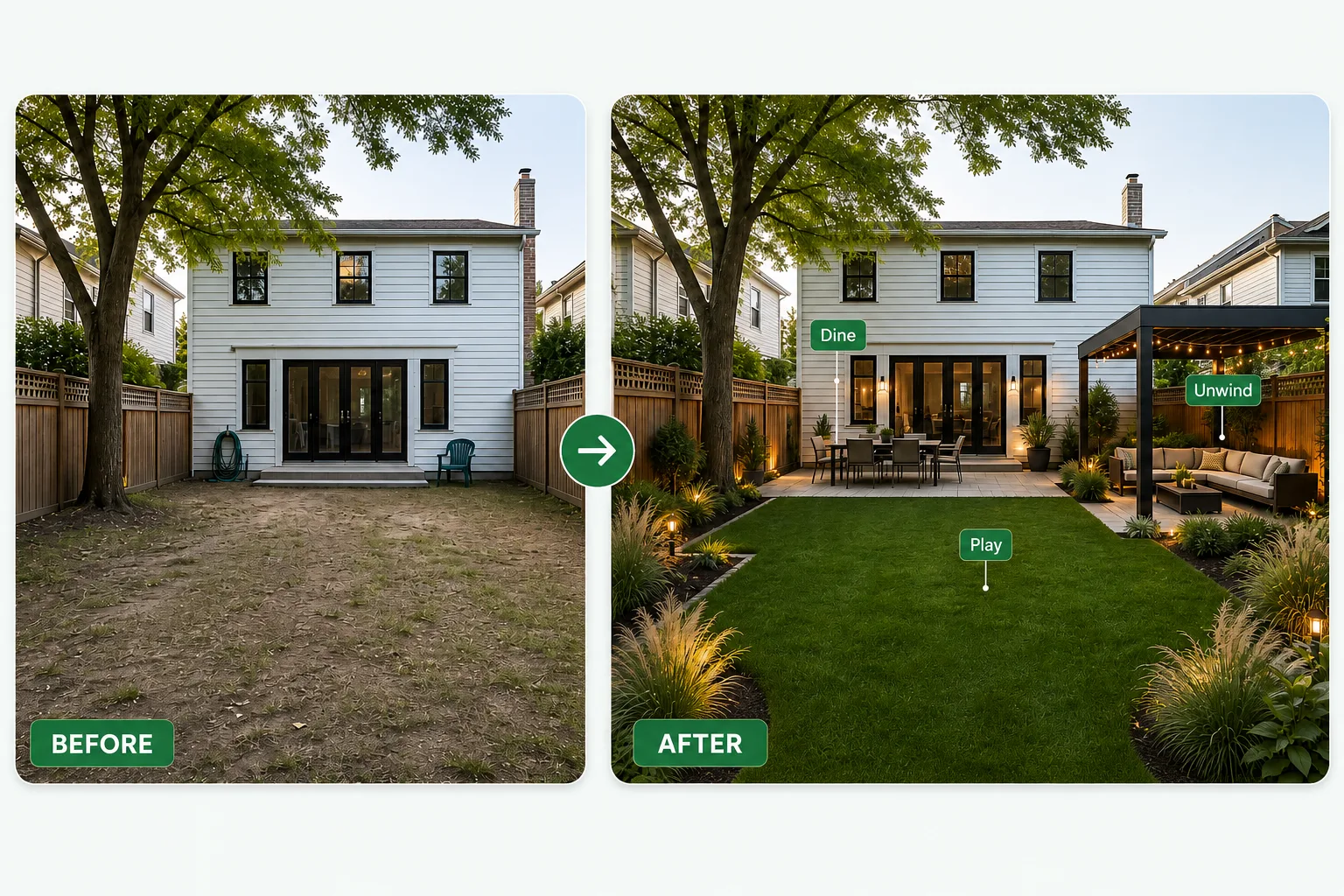
Upload a backyard photo, set the main uses, and refine the strongest concept.
Start the backyard design with a photo from the back door, or another spot that shows the main yard. Include the house edge, boundaries, existing paving, and any tree or structure you want to keep. Upload a JPG, JPEG, PNG, or WebP file no larger than 16 MB.
For this backyard design, choose Backyard as the space type. Before picking a style, name the activities that matter most. You might want a table near the kitchen, a clear central lawn, or a private reading corner.
For the first backyard design, select a style and planting density. Then generate a concept. Review where each activity sits in relation to the house and the rest of the yard.
Plan dining, open space, privacy, and movement as parts of one backyard.
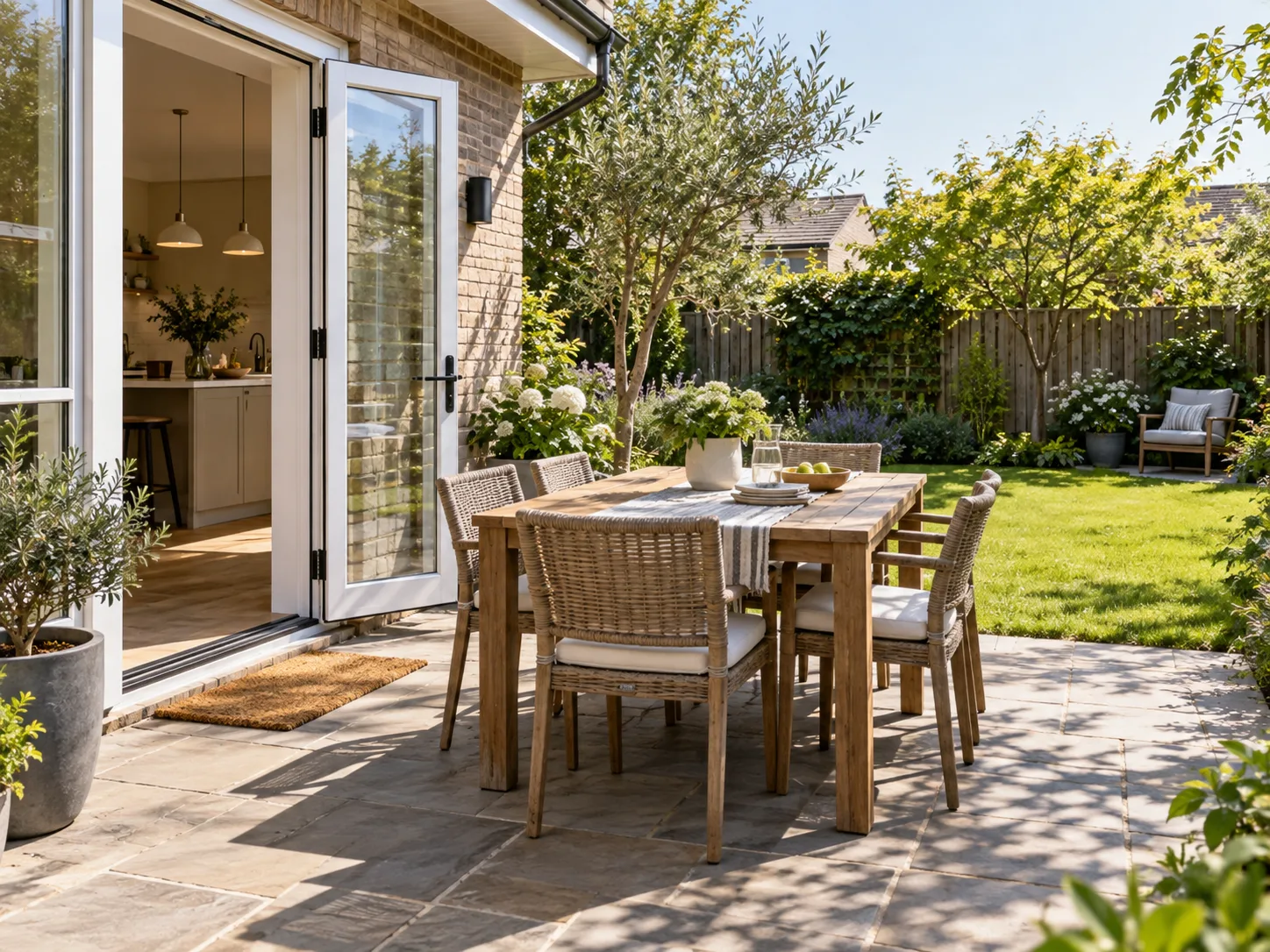
In backyard design, place the table where you actually bring food outside, not in the middle of the lawn because it looks good. Mention the kitchen door and that route in the prompt. The preview helps you discuss the layout; measurements still decide the final furniture size.
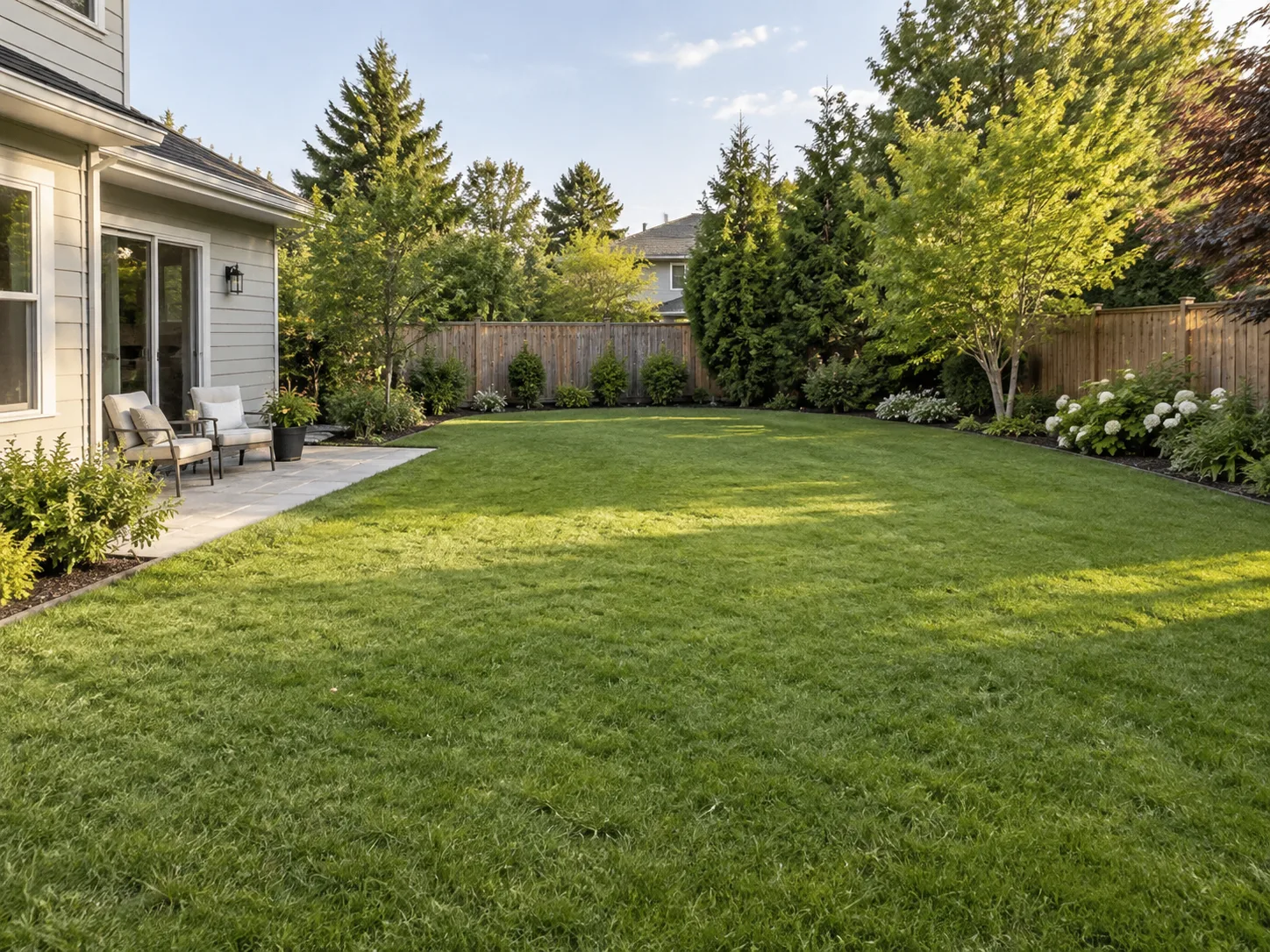
Good backyard design does not give every part of the yard a fixed feature. Leave room for play, a movable chair, or a clear view, and describe that open area as clearly as the planting. Compare a fuller version and keep the one that matches how you spend time outside.
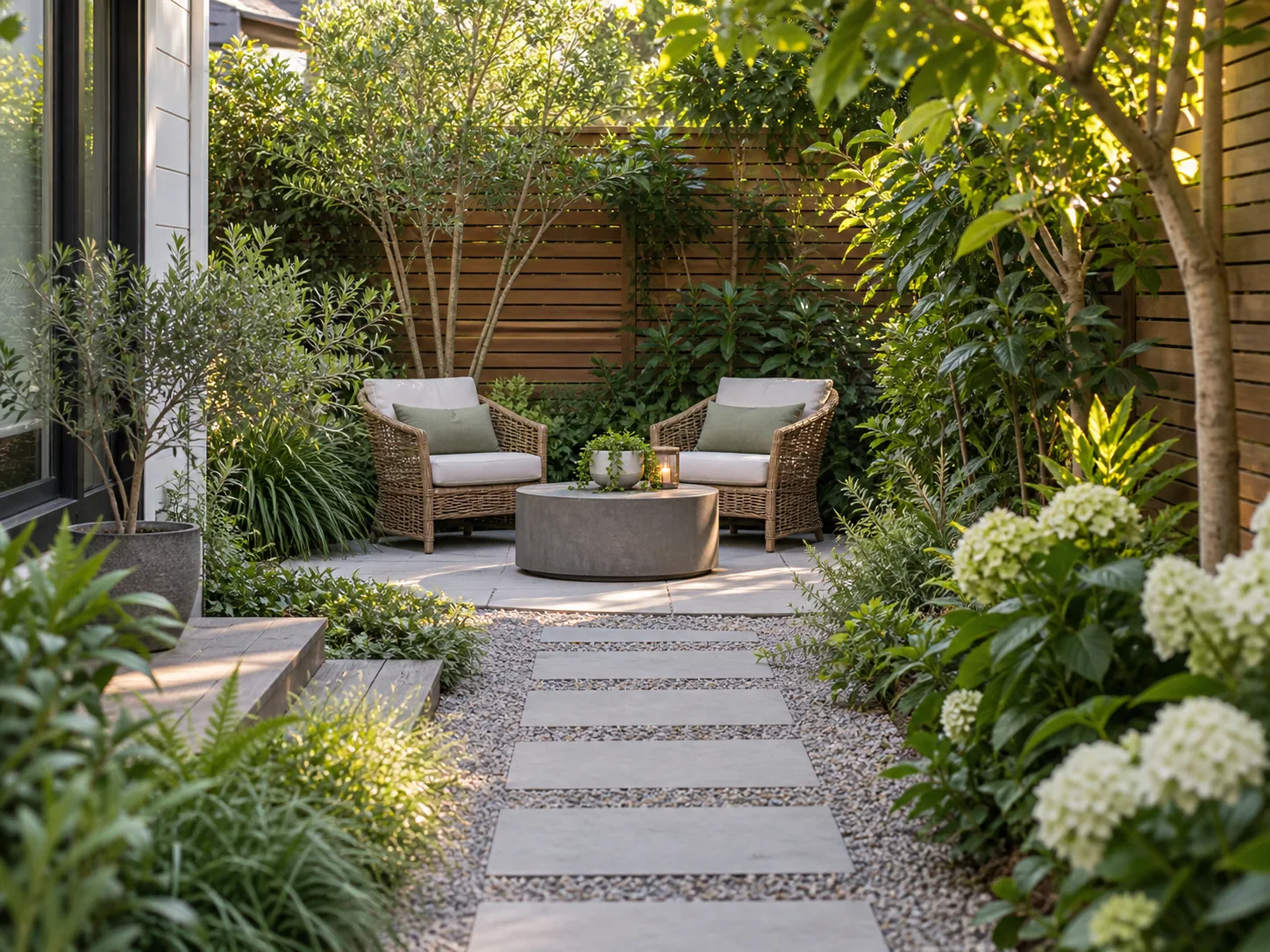
Backyard design for privacy depends on how seating sits beside planting and existing boundaries. Test a corner by a planted edge, or farther from a direct view, and describe the area that feels exposed. The image is a visual treatment, not a check of real sightlines.
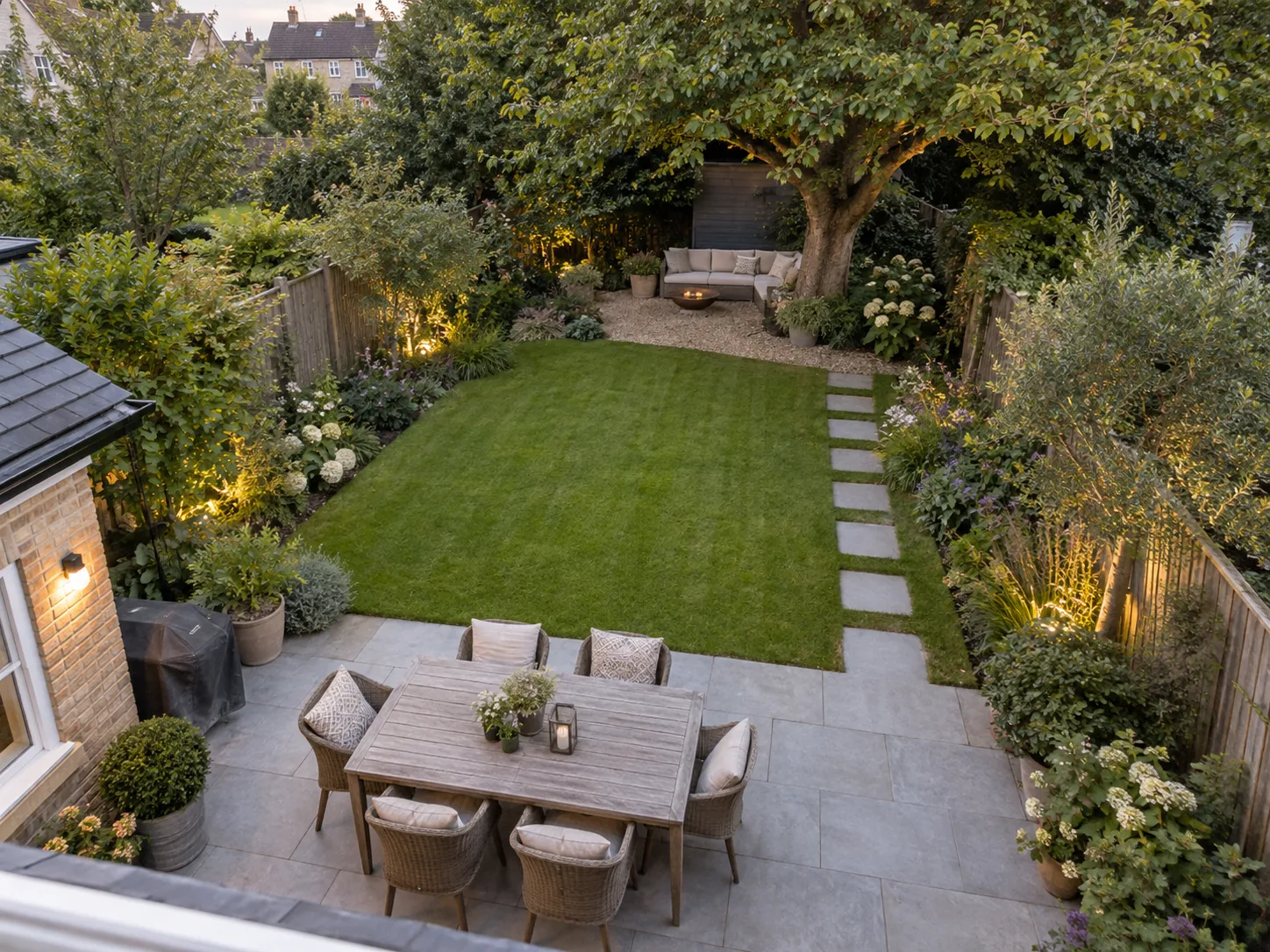
A backyard design can still feel awkward as a whole. Look at the route from the back door through dining, open space, and the rear gate. If the concept splits into isolated pockets, ask for a clearer connection before adding more details.
Use styles, planting controls, prompts, and editing tools to shape a practical visual brief.
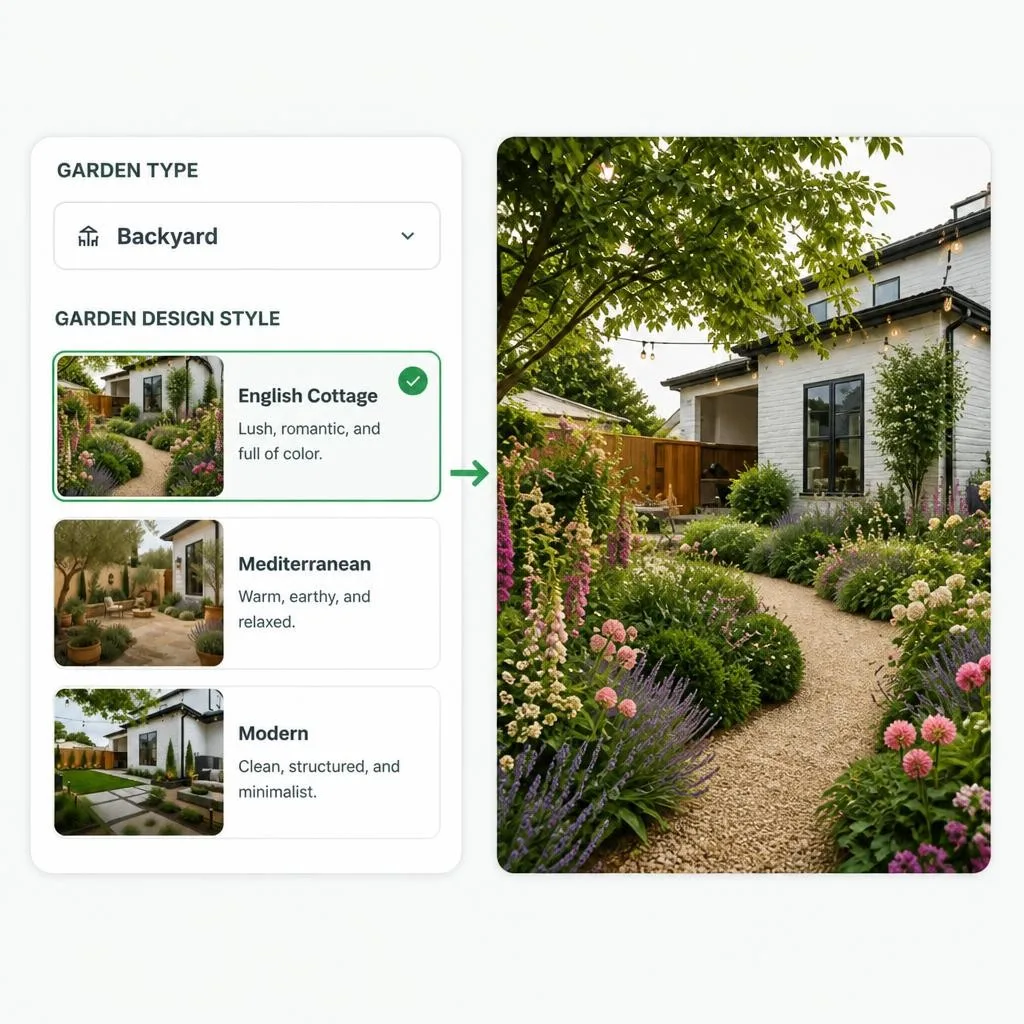
For this backyard design, try Modern for cleaner lines or English Cottage for softer planting, and keep the same main activities in the prompt. Compare styles on the same photo so the character change is easy to judge.
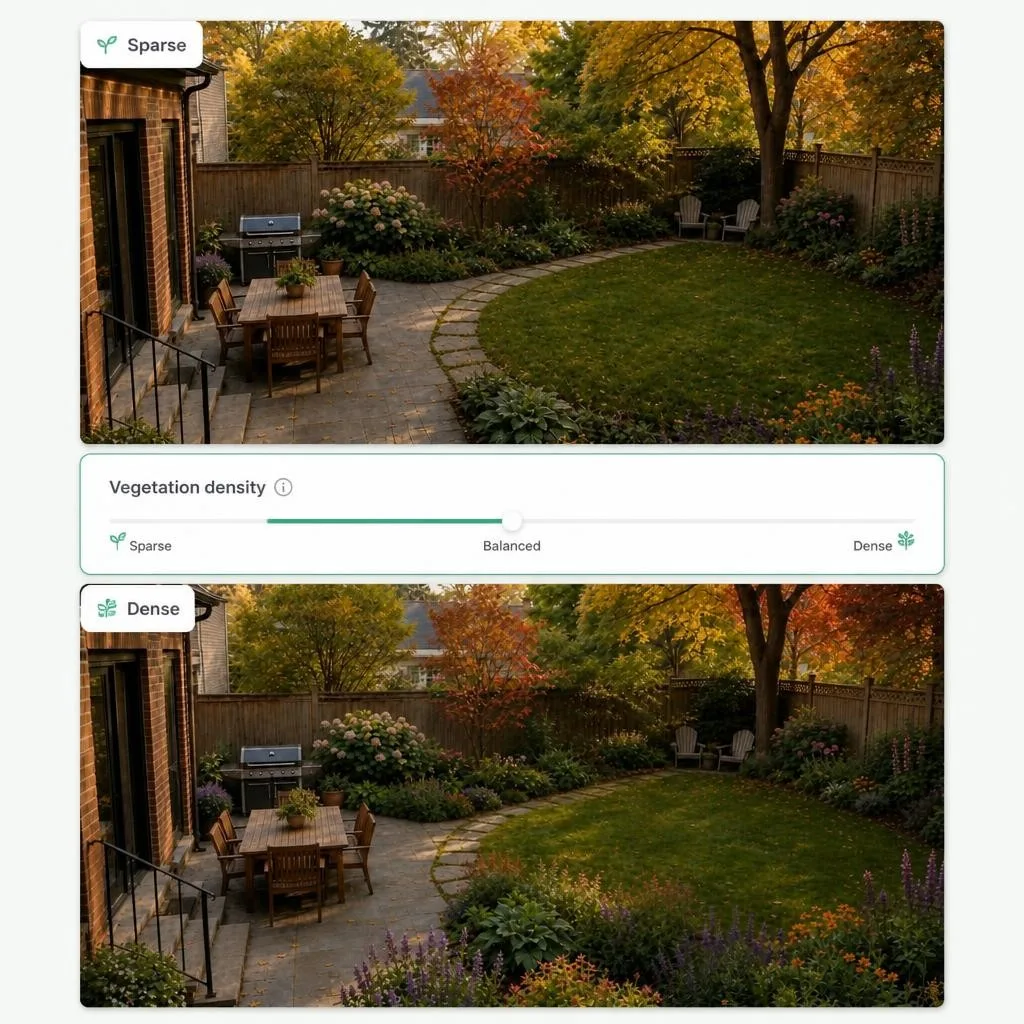
In backyard design, vegetation settings range from Sparse to Dense, so you can test how enclosed or open the yard feels. Use denser planting to frame a sitting area, and a lighter treatment when the center needs to stay flexible.
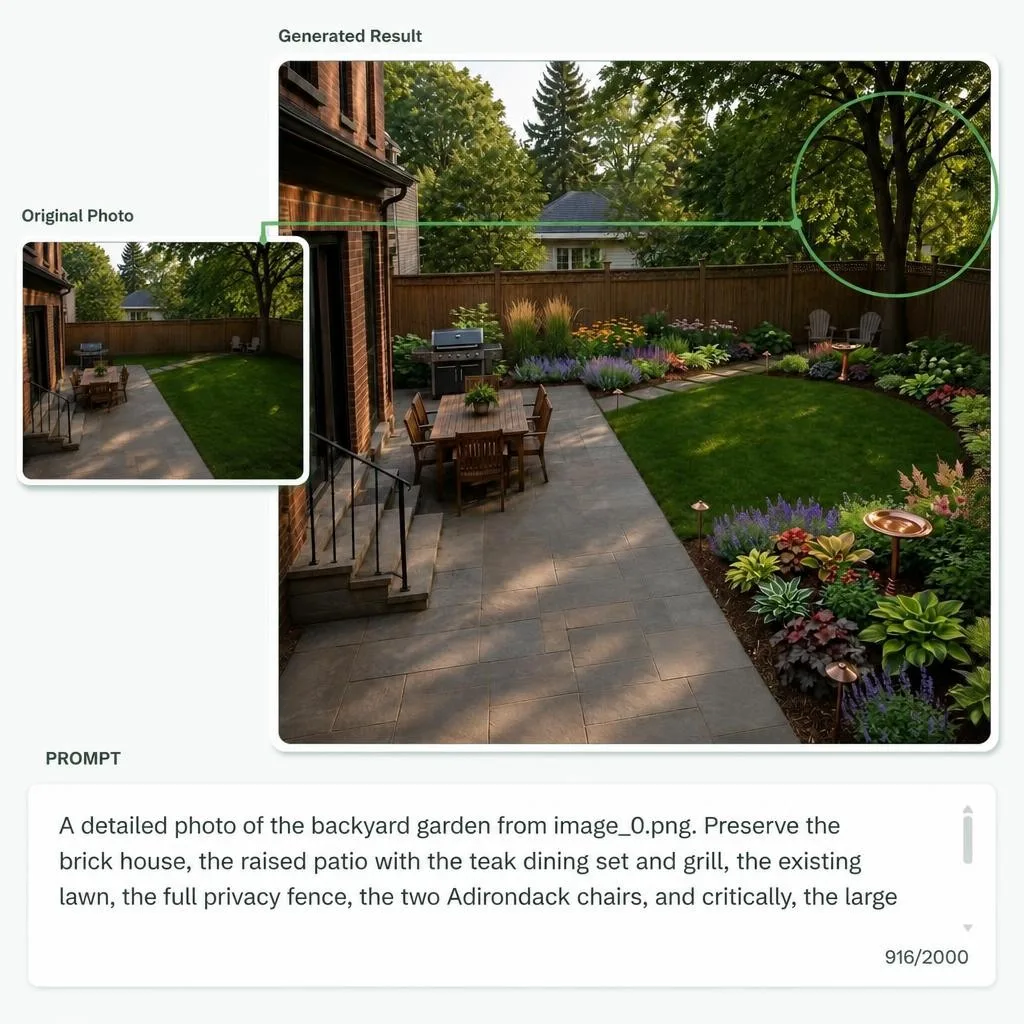
Name the tree, path, or paved area you want the backyard design to keep: retain the back gate, leave the center open, or protect an established tree. Review those features after generation, because the model can reinterpret the scene.
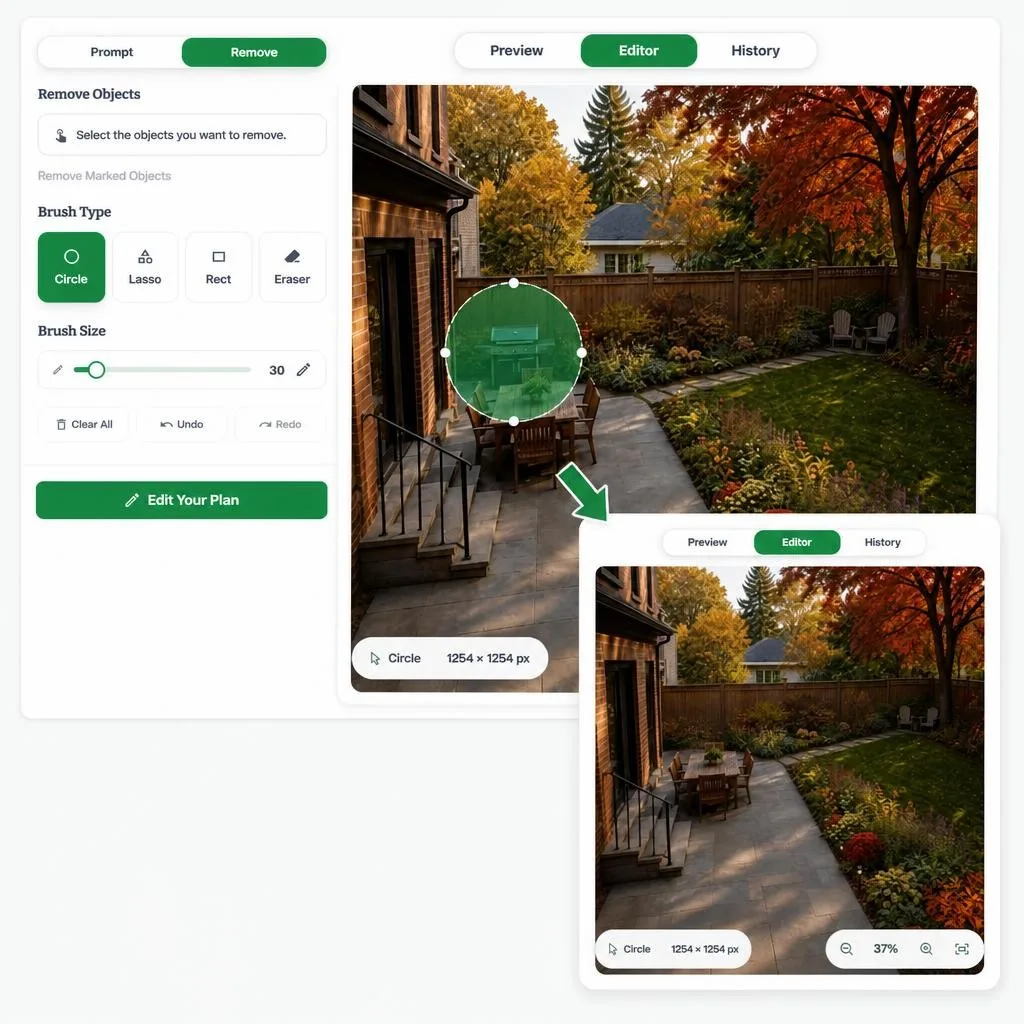
If the overall idea works but one detail distracts you, use the editor instead of starting over. Describe a different seating layout, or select an object in Remove, then download the version you prefer.
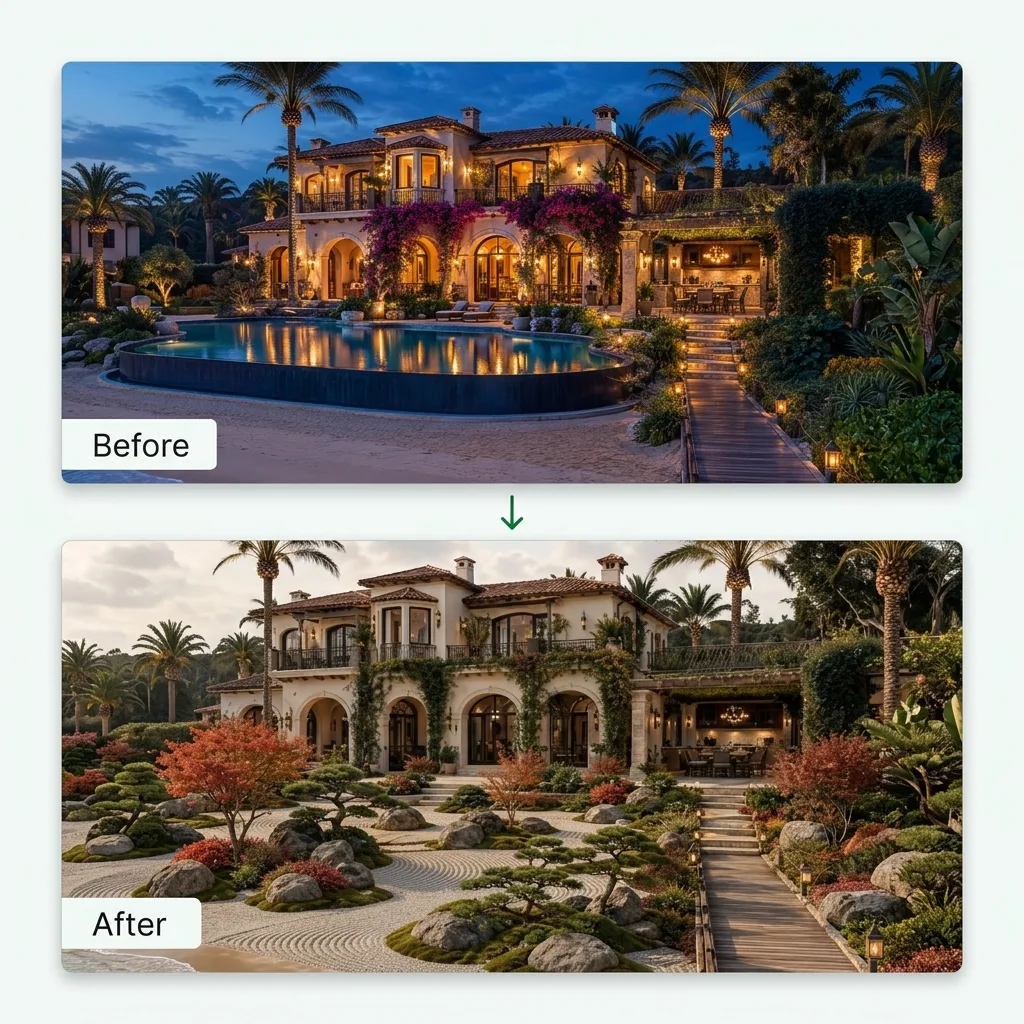
Keep the original yard beside the new concept so dining, lawn, and privacy planting are easier to judge. Check each backyard design against the same priorities before you choose a favorite.
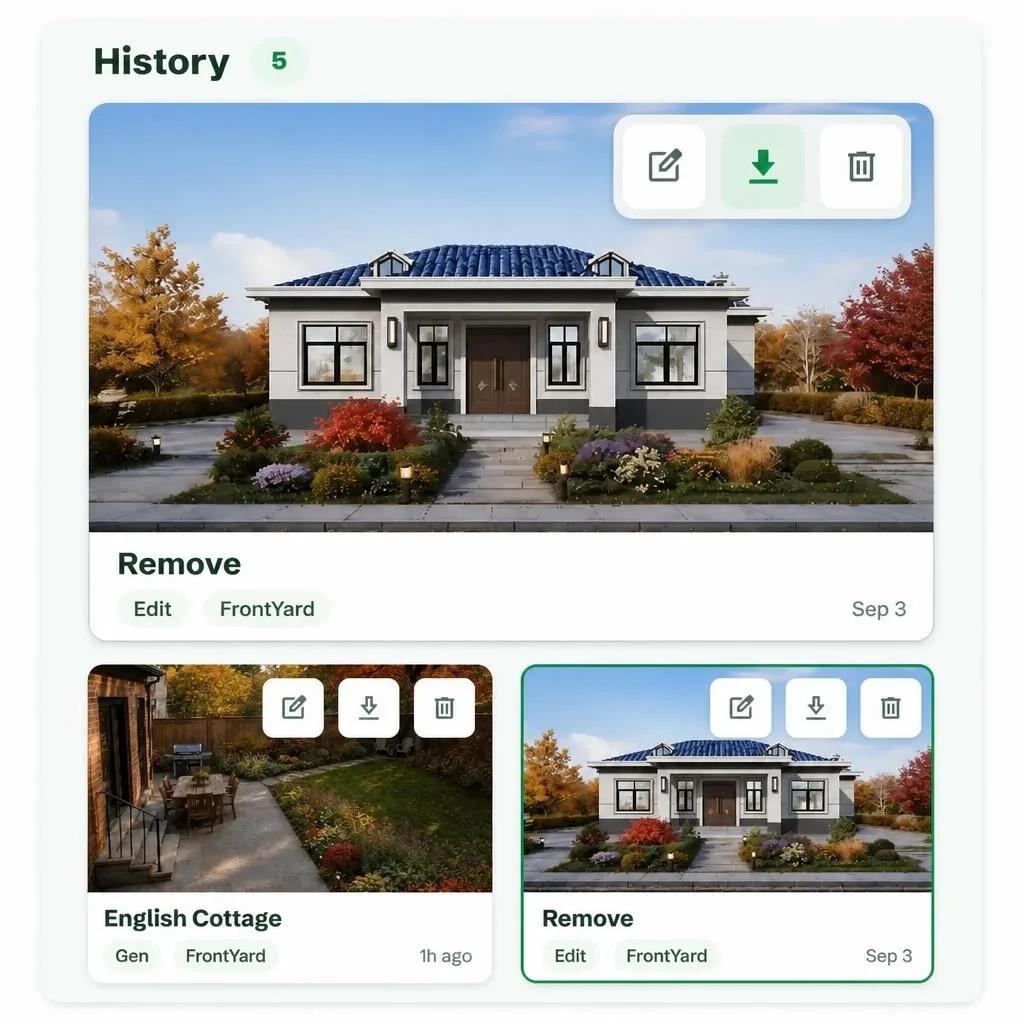
Download the backyard concepts worth discussing with family or a contractor. Recent history keeps earlier versions available while you compare how each layout serves the household.
Explore compact yards, flexible family spaces, and alternatives to a lawn-heavy layout.
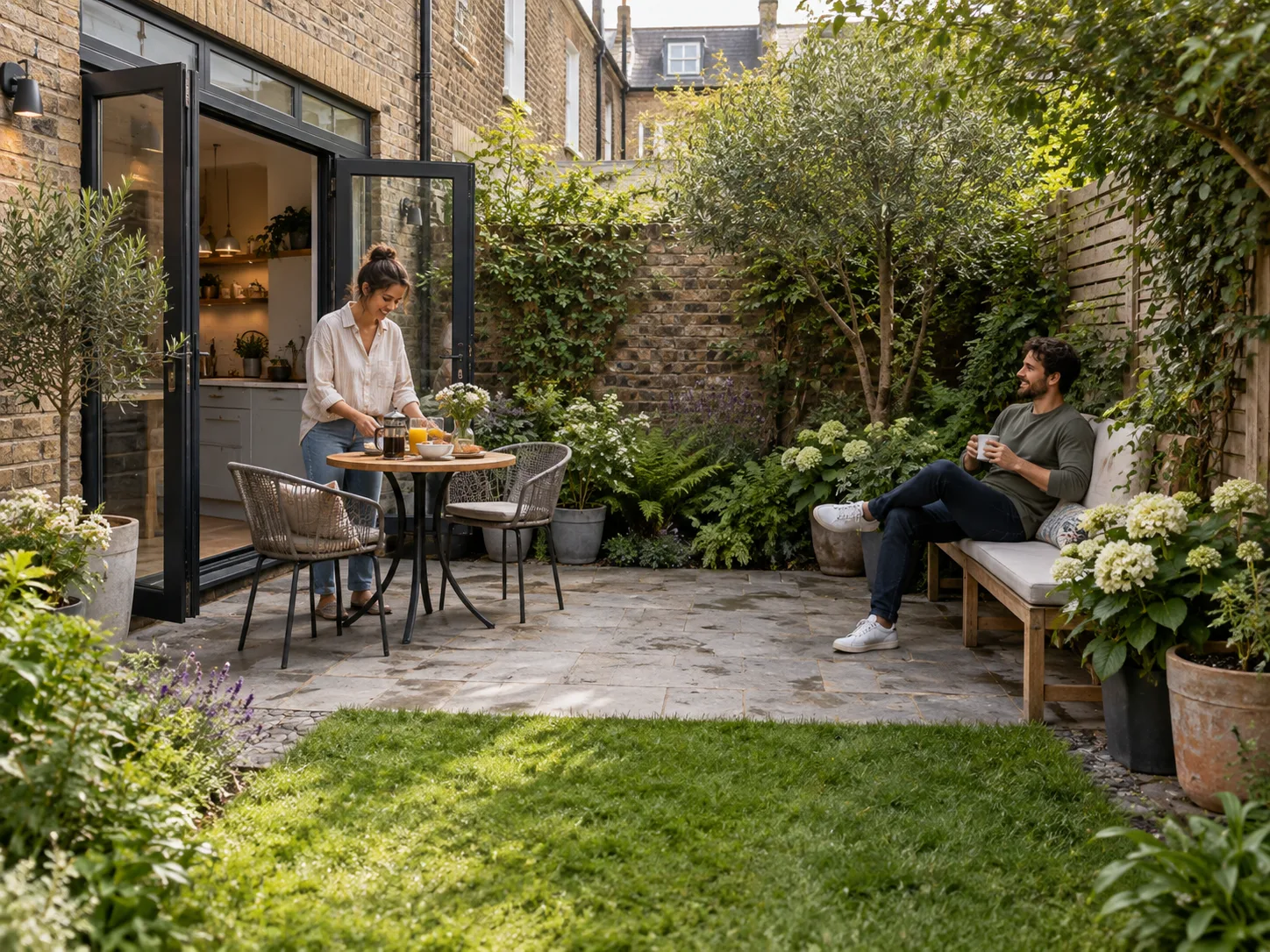
A small backyard often only needs a dining corner and a comfortable open area. Start with those two goals and skip extra features. Compare planting on the boundary with planting that divides the space, and keep the version that makes your priorities readable.
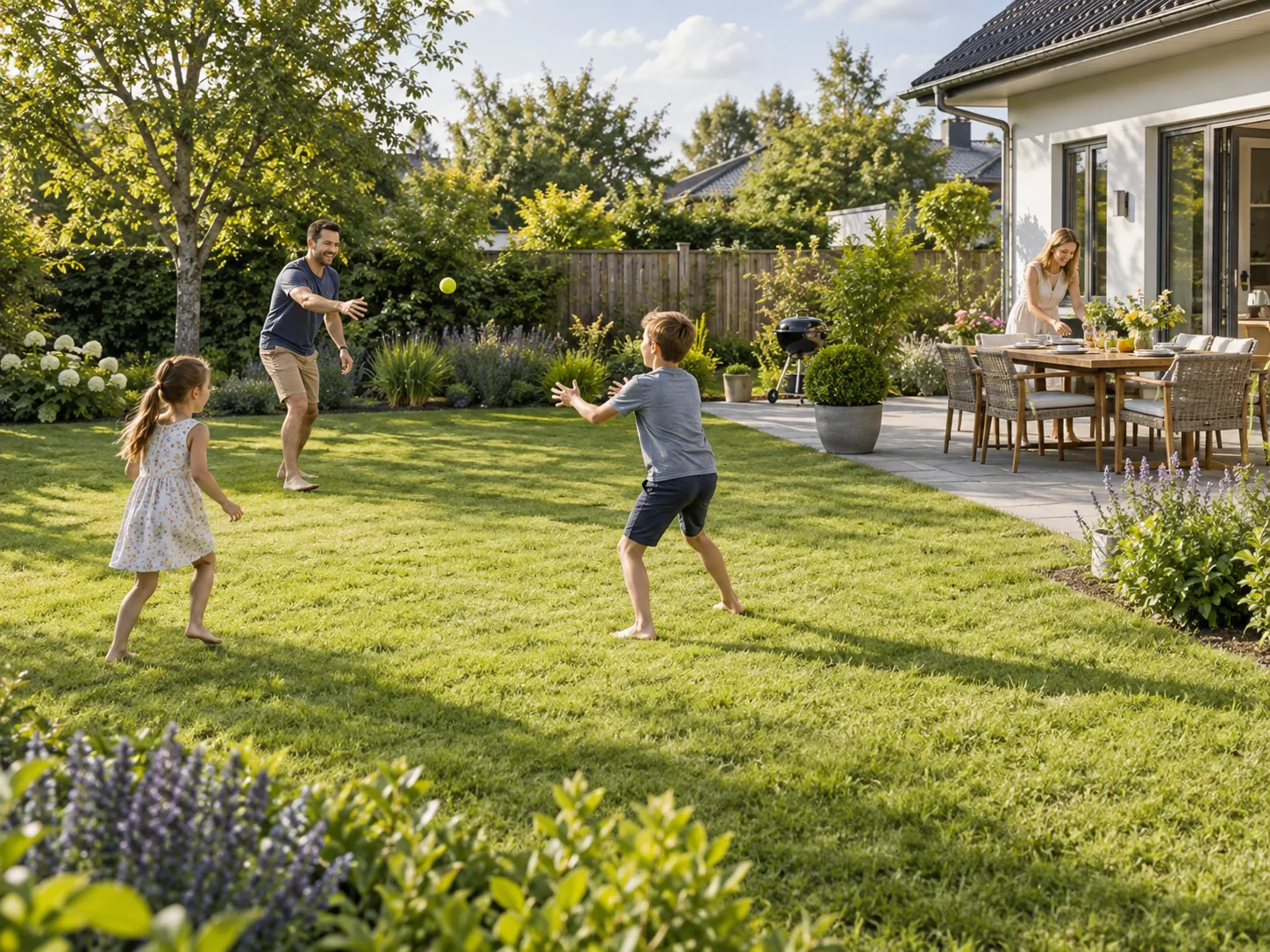
Some households use the same yard for coffee, informal activity, and a meal. Ask for a flexible open center with a more defined area near the house. Use the preview to decide what should stay permanent, and treat pictured play equipment as an idea to review.
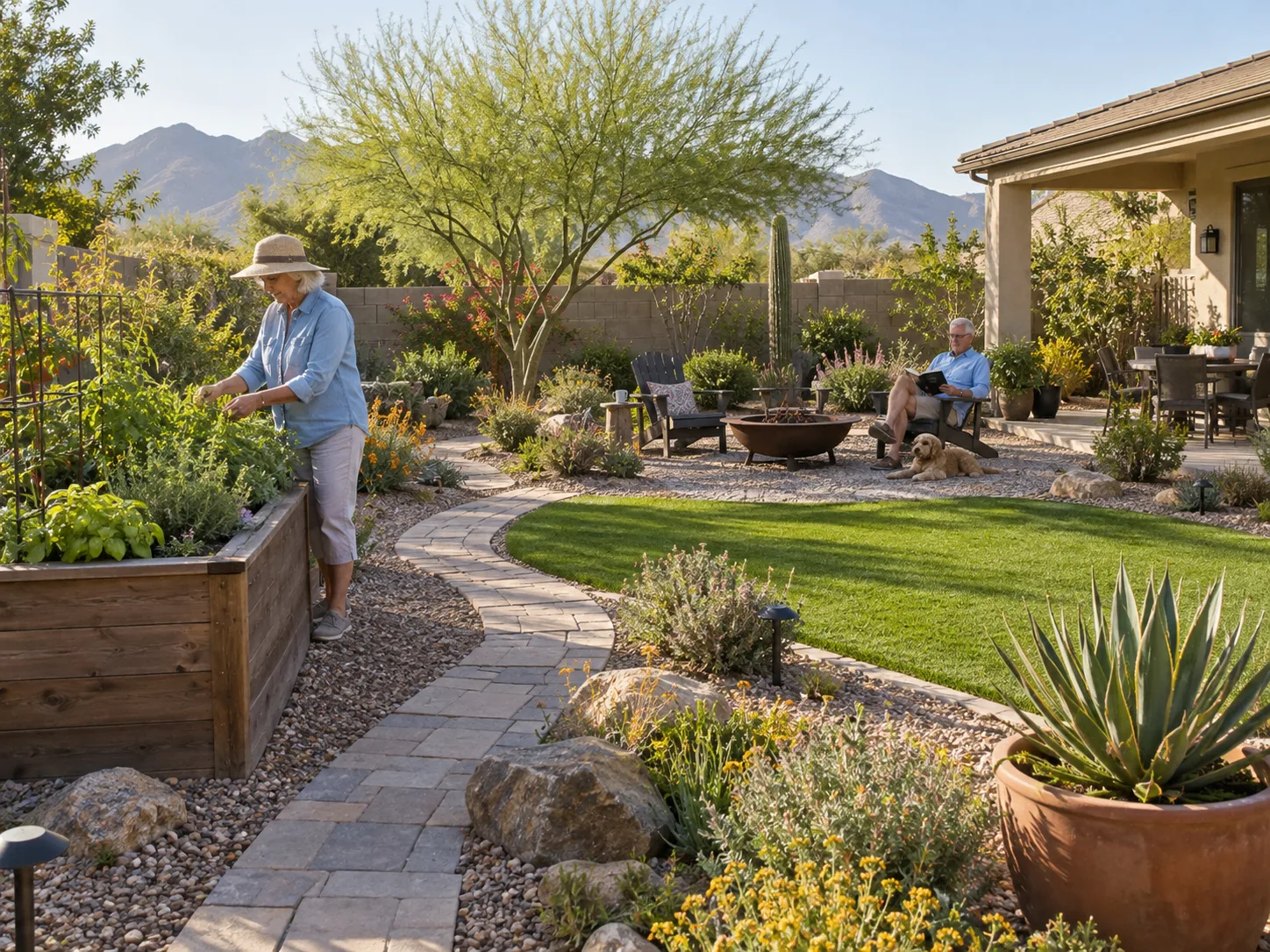
If lawn dominates the view, compare more paving or gravel with planted edges, and say what the open space still needs to do. The image helps you pick a direction; it does not calculate cost or maintenance.
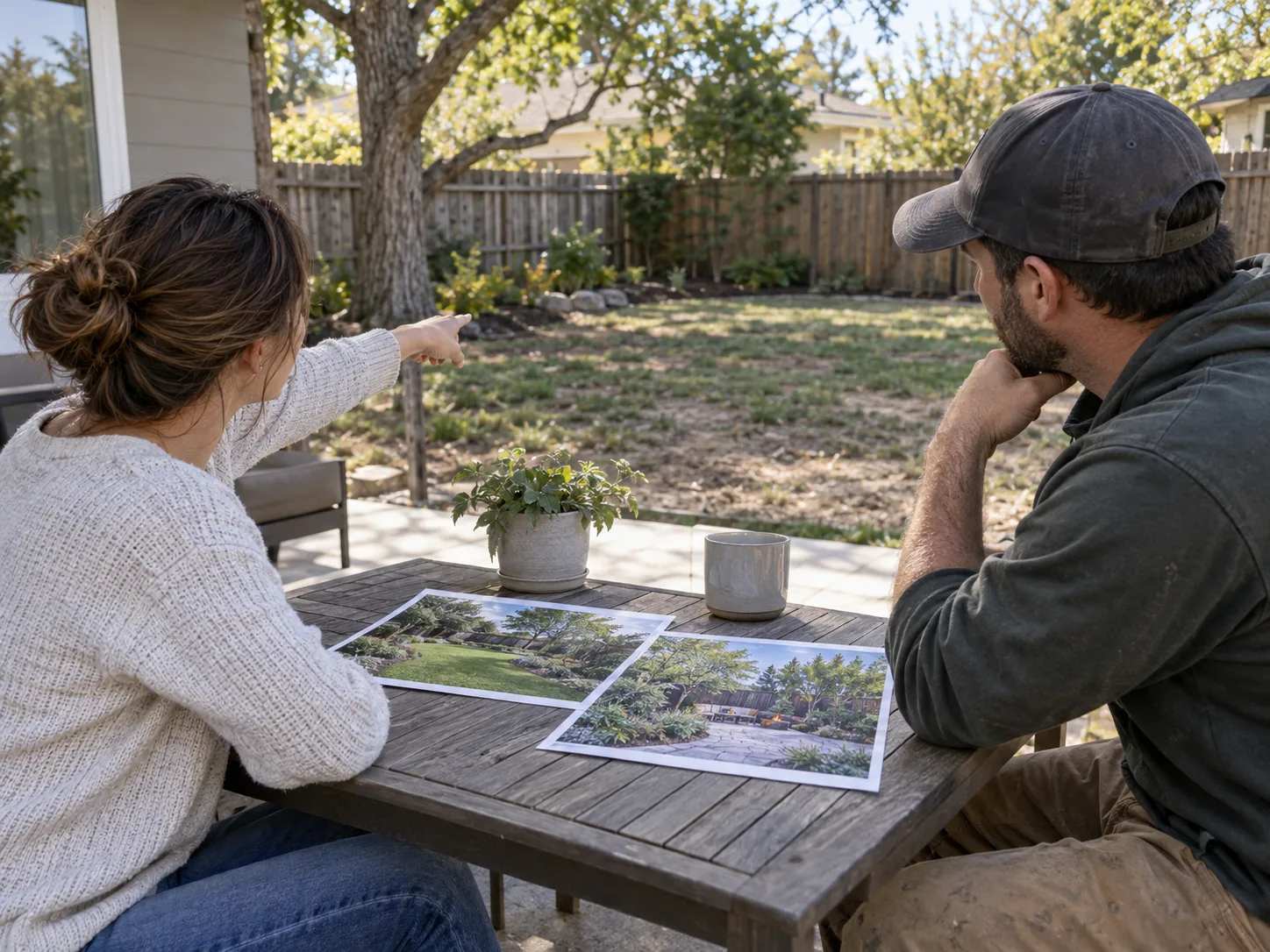
Bring the original photo and two clear concepts to the first discussion. Point out the layout choices you like, such as dining near the house or a clearer open center, instead of treating every pictured detail as fixed.
Example testimonials with fictional names, illustrating possible uses of the tool.






Common questions about using an AI tool to explore backyard layouts from a photo.
Choose the two activities that matter most and describe them in the first prompt. For example, ask for outdoor dining near the house and an open center. Add other features only after reviewing that arrangement.
Yes. Include as much of the boundary and house connection as possible so the image communicates the whole space. Ask for a restrained arrangement with clear priorities.
The editor includes a Remove workflow with selection tools. Mark the object you want to remove, generate the edit, and review the surrounding area. Keep the original image so you can compare the result.
Use this page when you are deciding how several areas of the backyard work together. Use the patio designer when the main task is the paved area, its furniture, and its material palette. For planting character and the overall garden style, explore the garden design page.
Yes. Keep the same photo and activities, then change the surface request. The result is a visual comparison, not a drainage plan or material estimate.
Ask for a sheltered seating area or stronger boundary planting. Check real sightlines and mature plant sizes before choosing a final solution.
No. Measurements and costs are not calculated. Use the image to choose a direction, then combine it with a site survey and real quotations.
Start with the space behind your home and the way you want to use it. Create a concept, compare the priorities, and save a backyard design worth taking into the next conversation.
Design With Your Yard Photo